How to analyse a website: what to look at, and with which tool
Here's how to analyse a website without being an expert: set a goal, check what Google sees, read your traffic, review your main pages one at a time, then compare yourself with competitors. Google's free tools cover most of it. An automatic analyzer is faster, but it misses context, as I found on my own site.

 By Jérémy Santos Updated on 30 October 2026 Tested on his own SemChat account: first audit on 29 October 2026.
 This page is part of the guide: SEO checker
You have a small business site on WordPress or Webflow. It looks fine, and it brings in few customers. Before you rebuild it, find out what’s really going on.
This guide follows the order I use on my own sites. I also had SemChat analyse plugkit-avis.com, one of my sites, on 29 October 2026: you’ll see what it got right and what it missed. SemChat links are affiliate links, with no effect on your price or my findings.
What website analysis is, and why it matters
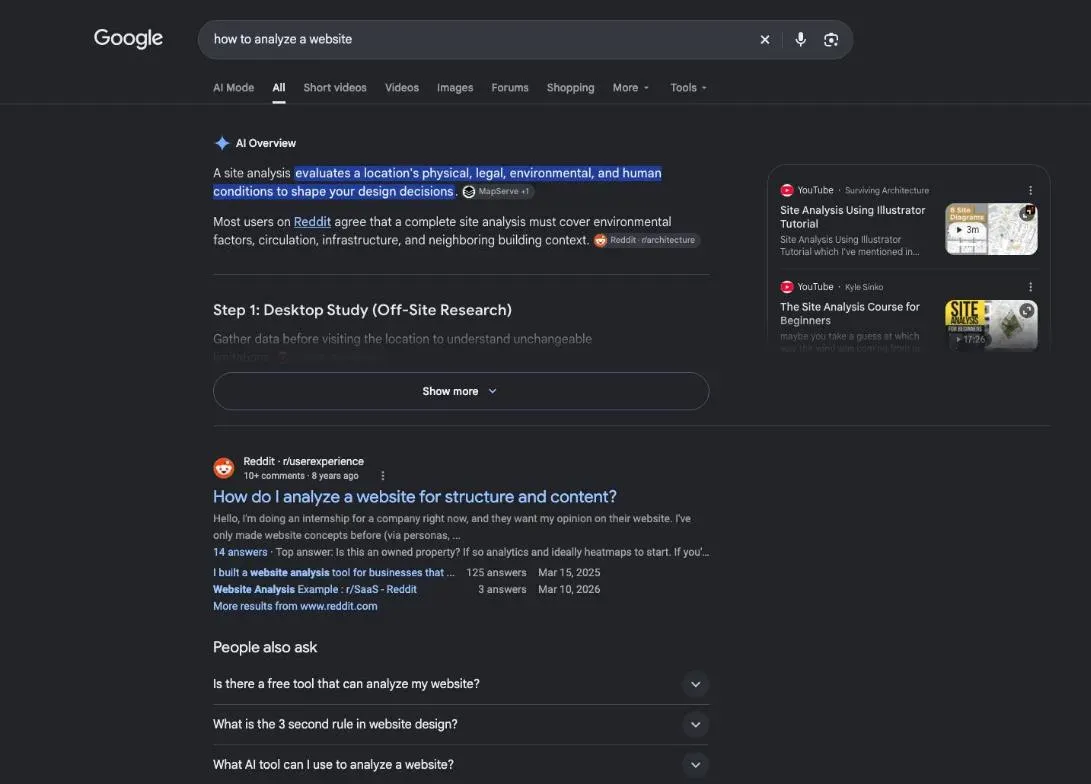
Search for this topic and Google’s AI answer may talk about site analysis in architecture, the study of a building plot. Here, website analysis means checking how a site performs: whether Google can read it, who visits, what they do, and how it compares with competitors. It tells you what to fix first, so you don’t redo everything.
How to analyse a website: where to start
Set a goal before you look at the data
“Why don’t visitors ask for a quote?” and “Why doesn’t Google show my site?” are different problems. The first lives in your visitors’ path, the second in Google Search Console. Pick one question, then follow this order: what Google sees, your traffic, each page, the whole site, then competitors.
What Google sees of your site
Google Search Console is “a free service offered by Google” (its help page, read 30 October 2026). Its page indexing report shows which pages Google kept, which it left out, and why.
Don’t trust a single green light. On plugkit-avis.com, SemChat’s Page visibility tab said all was well: 189 pages checked, 189 visible. The same day, Search Console’s URL inspection reported two addresses, /fr/contact/ and /pt-br/contato/, as “URL is unknown to Google.”
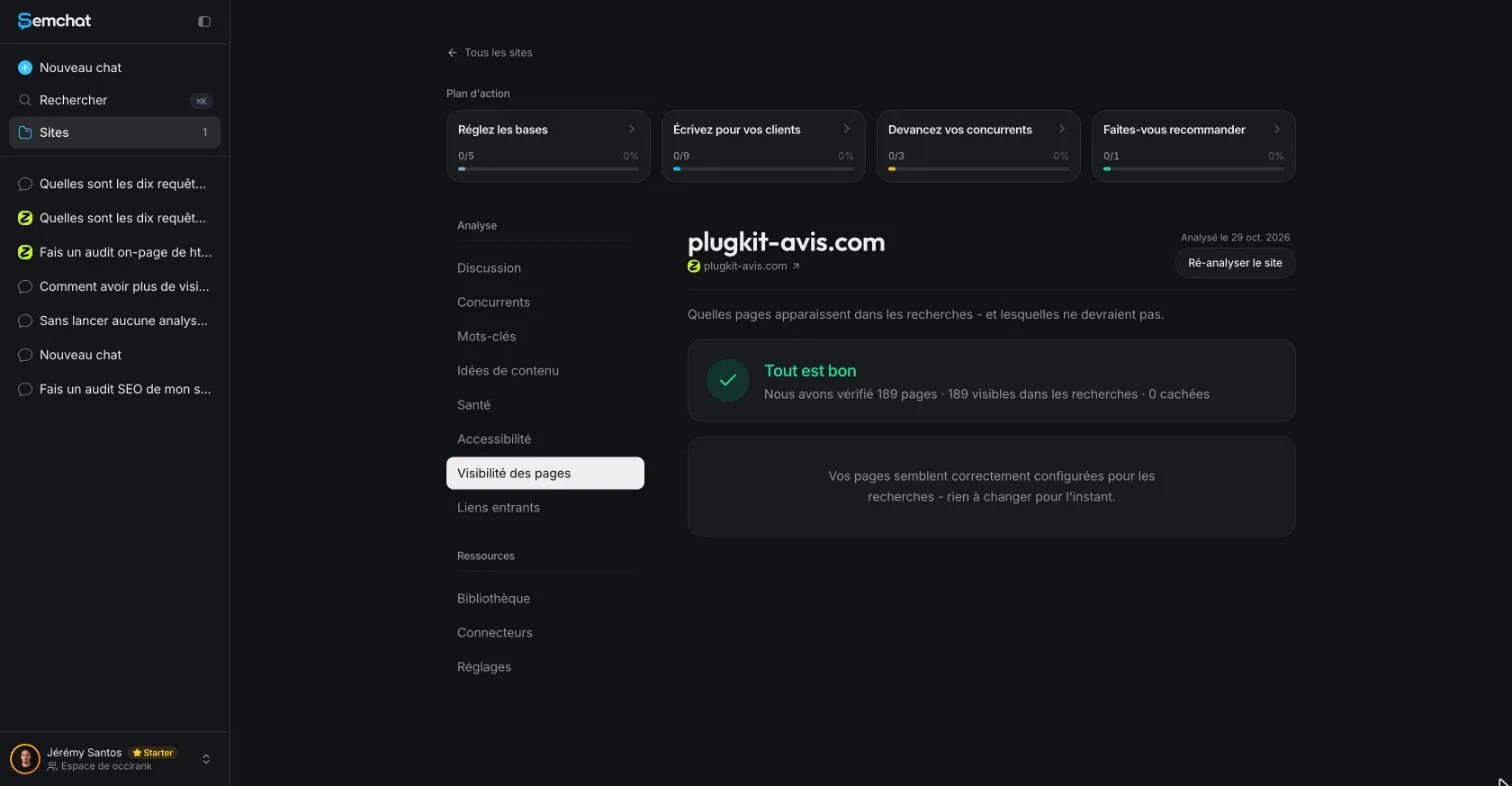
SemChat’s Page visibility tab on plugkit-avis.com says all is well. SemChat app capture, 29 October 2026 (French interface).
The tab checks that pages aren’t blocked; Search Console tells you what Google actually kept. Always compare the two.
Analyse your traffic: where your visitors come from
Before the click, Search Console shows the searches that display your site, your clicks and your average position. Sort its performance report by page: a page with many impressions and few clicks needs a better title or description. After the click, Google Analytics shows where visitors come from and which pages they leave. For a business site, one question matters: do visitors from Google reach your contact page?
One page at a time: content, speed and mobile
Does the content answer the search?
Search the query your page targets and look at the top results. Guides? Price pages? Product pages? If yours is a different type, it will struggle. Check that the answer shows up in the first lines, and that the page title and main heading say the same thing.
Speed and display on a phone
PageSpeed Insights measures a page on mobile and desktop. Paste the address and wait for the report.
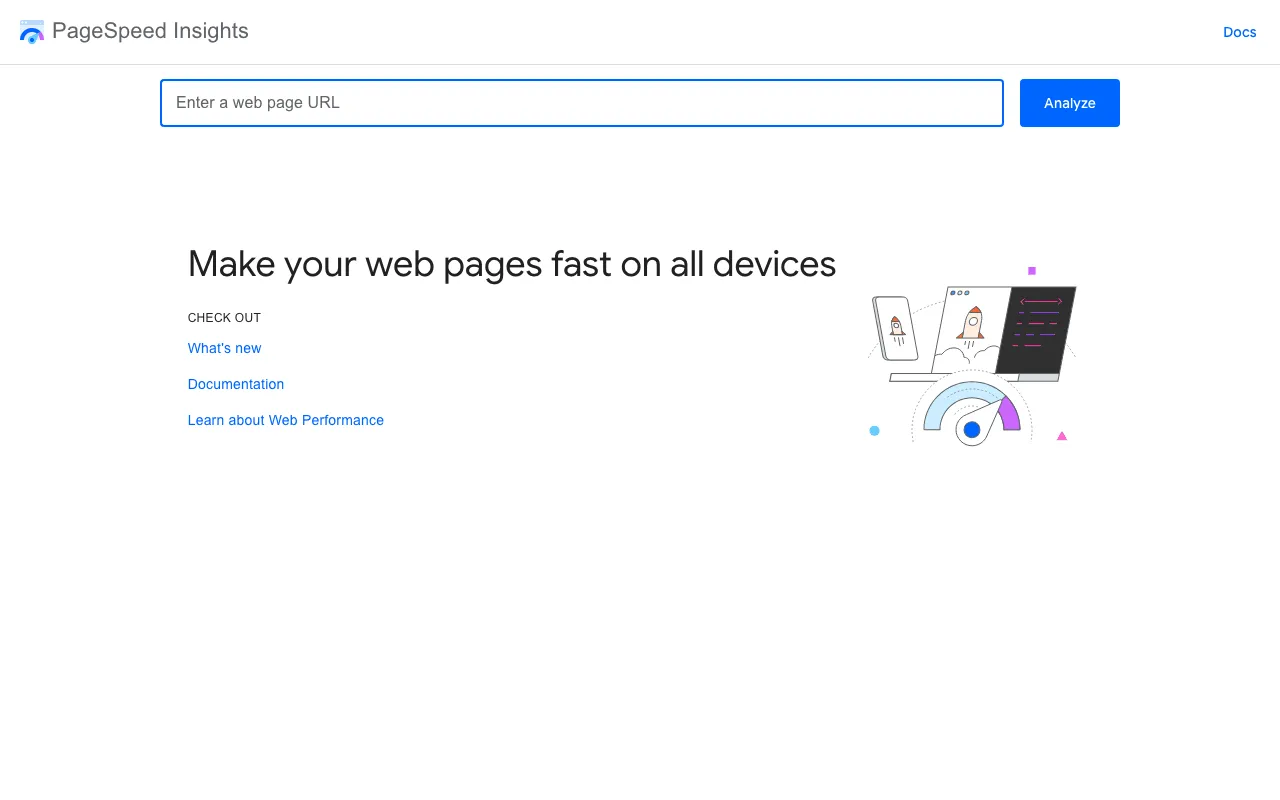
PageSpeed Insights, Google’s tool to make your pages fast on all devices. Capture of pagespeed.web.dev, taken 30 October 2026.
Google’s targets, in its Core Web Vitals page (read 30 October 2026): main content within the first 2.5 seconds, an INP “of less than 200 milliseconds,” and a CLS “of less than 0.1.” Then open the page on your own phone: tiny buttons show up right away.
Online tools to analyse a site
Google Search Console, Google Analytics and PageSpeed Insights cover the basics. An AI assistant can run the whole review from one sentence.
What an automatic analyzer sees, and what it misses
After its analysis, SemChat created a site profile on its own, with a thumbnail and a description of the business.
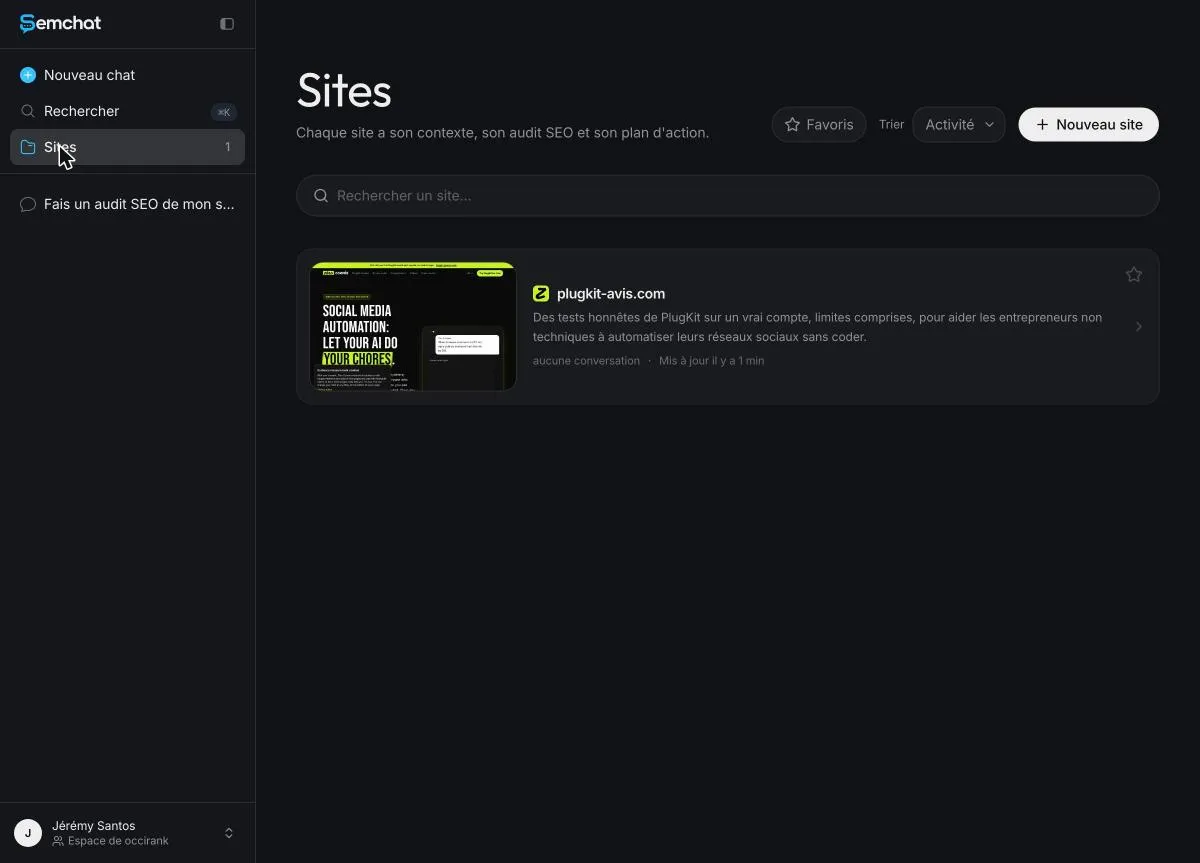
The site profile SemChat wrote on its own after the analysis. SemChat app capture, 29 October 2026 (French interface).
It saw the facts: a contact page returning a 404 error, duplicate titles between the US and UK English pages. It missed the context: those pages are declared language variants, so “mirror pages” went too far. An analyzer reads signals; it doesn’t know what you sell, or to whom.
Demo: analysing a real site with SemChat
I typed, in French: “Do an SEO audit of my site plugkit-avis.com and give me a clear action plan, by priority.” A French site, audited in French, with SemChat’s data tools set to France. In about 3 minutes I had a diagnosis and 3 actions. The cost: the whole monthly quota of the Free plan. The full walkthrough is on the free SEO audit page. What other tools check, what they return and where they stop is on our automated SEO audit page.
Compare your site with your competitors’ sites
Your real competitors are the sites ranking ahead of you on your searches. I asked SemChat to compare plugkit-avis.com with two of them and list up to five topics they cover that I don’t. It gave 5 topics, each with the real address of the competitor’s page.
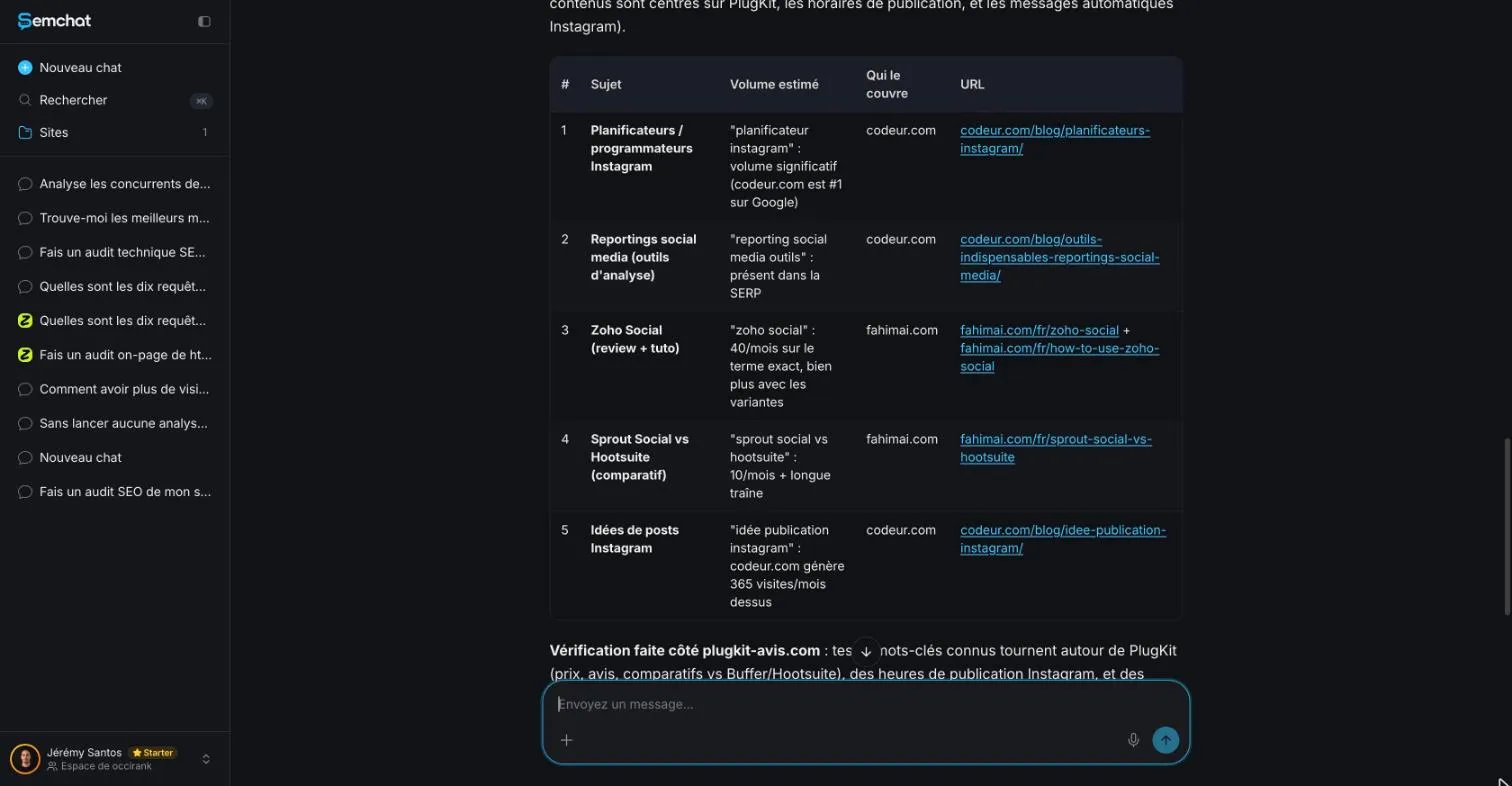
Topics two competitors cover and the site doesn’t, according to SemChat. SemChat app capture, 29 October 2026 (French interface).
I checked: 4 of the 5 were indeed missing. The fourth was already covered by three of my pages. And one volume was off: “zoho social” at 40 searches a month according to SemChat, 320 according to DataForSEO (Google Ads, France, 29 October 2026). Good for ideas, as long as you check. A content audit turns those gaps into decisions.
Turn the analysis into changes, then measure again
- 1 Look at what Google and your visitors show you
- 2 Change one thing a title, a page, a link
- 3 Wait for Google to crawl the page again
- 4 Measure and compare with before
Change one thing at a time, or you won’t know what worked. Track positions with a keyword rank checker, use the technical SEO checklist and the SEO audit checklist for the next round, and write it all up with an SEO report template. Keep each round that small and you’ll know which change moved the numbers. For me, that’s most of what learning how to analyse a website comes down to.
Frequently asked questions
How do you analyse a website's design?
Look at it as a first-time visitor, on a phone first: can you tell in a few seconds what the site offers, is the text readable, are buttons easy to tap, can you find the contact page? Then check speed and layout shifts with PageSpeed Insights.
How do you critically analyse a website?
Ask who publishes it (legal notice, contact page), whether authors are named, whether facts are dated and sourced, and whether the address starts with https. Then search the site's name with the word "review" to see what others say.
How do you analyse a website for SEO purposes?
Start in Google Search Console: indexed pages, the queries that show your pages, and clicks. Then check each important page against the top results for its search, measure speed with PageSpeed Insights, review internal links, and compare with the sites that rank ahead of you.
What's the best free tool to analyse a website?
For your own site, Google Search Console: it's free and it's the only source of your real searches and clicks from Google. Add PageSpeed Insights for speed. An assistant like SemChat can pull it together and write an action plan, but check its findings.
Let your AI do the chores of getting found online.
10% off your subscription, for life with my link, if you subscribe within 2 weeks of signing up. No code. All about the SemChat promo code
Affiliate link: it costs you nothing extra.
Verified sources
- Google Search Console help: what Search Console is (October 30, 2026)
- Google Search Central: Core Web Vitals (October 30, 2026)
- PageSpeed Insights (October 30, 2026)
- SemChat pricing (Free plan at €0) (October 30, 2026)