How to get my website on Google for free: every no-cost lever
How to get my website on Google for free, the short answer: Google charges nothing to appear in its organic results, and it doesn't sell better spots. You have no-cost levers: Search Console and a sitemap, a Business Profile if you serve local customers, useful pages, and links you earn. What they cost you is time.

 By Jérémy Santos Updated on 30 October 2026 Tested on his own SemChat account: first audit on 29 October 2026.
 This page is part of the guide: SEO for small business
You don’t want to pay for ads, and you wonder whether your site can show up on Google anyway. It can. This page lists every lever that costs nothing but your time, and says clearly what free won’t do. It’s part of our guide to SEO for small business.
The SemChat links on this page are affiliate links: if you subscribe through them, I earn a commission, at no extra cost to you and with no effect on what I write.
How to get my website on Google for free: what free really means
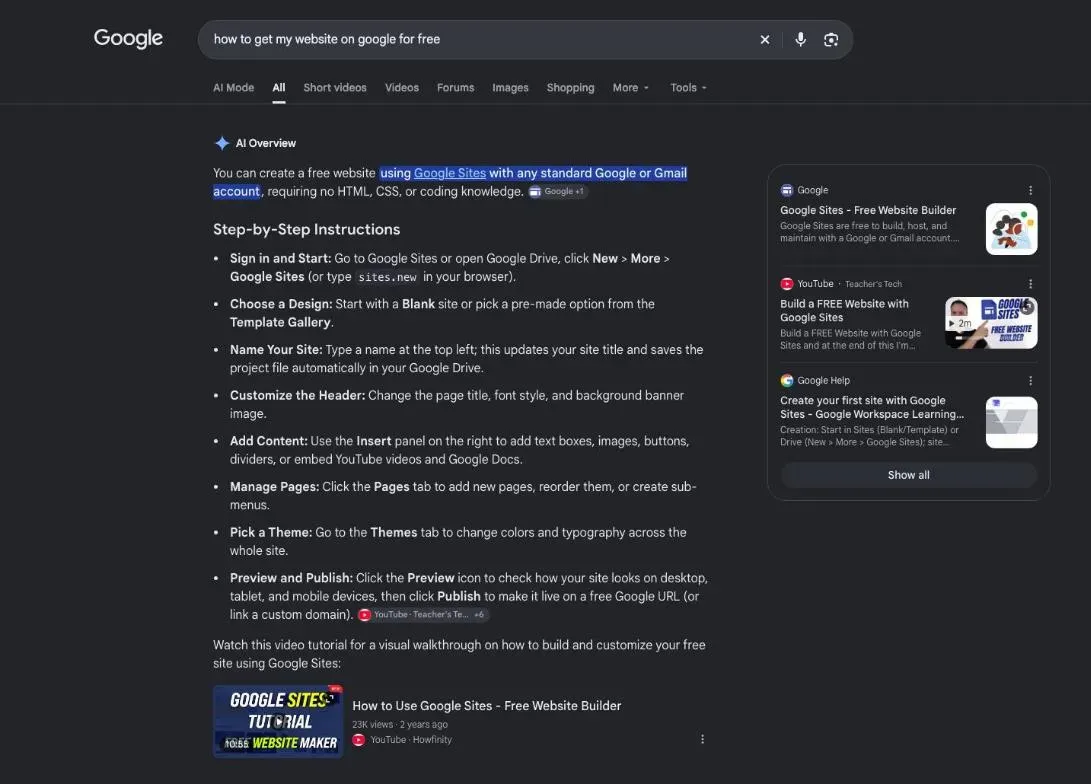
Free is real. Google writes that it costs nothing to appear in its organic search results (page “Do you need an SEO?”, read 30 October 2026). And it “doesn’t accept payment to crawl a site more frequently, or rank it higher” (How Search works, same date). So nobody can sell you a better organic spot, and you don’t need to buy one.
Free in money, not in time
What free costs you is time: writing pages, setting up tools, asking customers for reviews. And patience. In Google’s words: “It can take a few weeks for Google to notice a new site, or any changes in your existing site” (How to get your website on Google, read 30 October 2026).
The no-cost levers Google gives you
Search Console and a sitemap
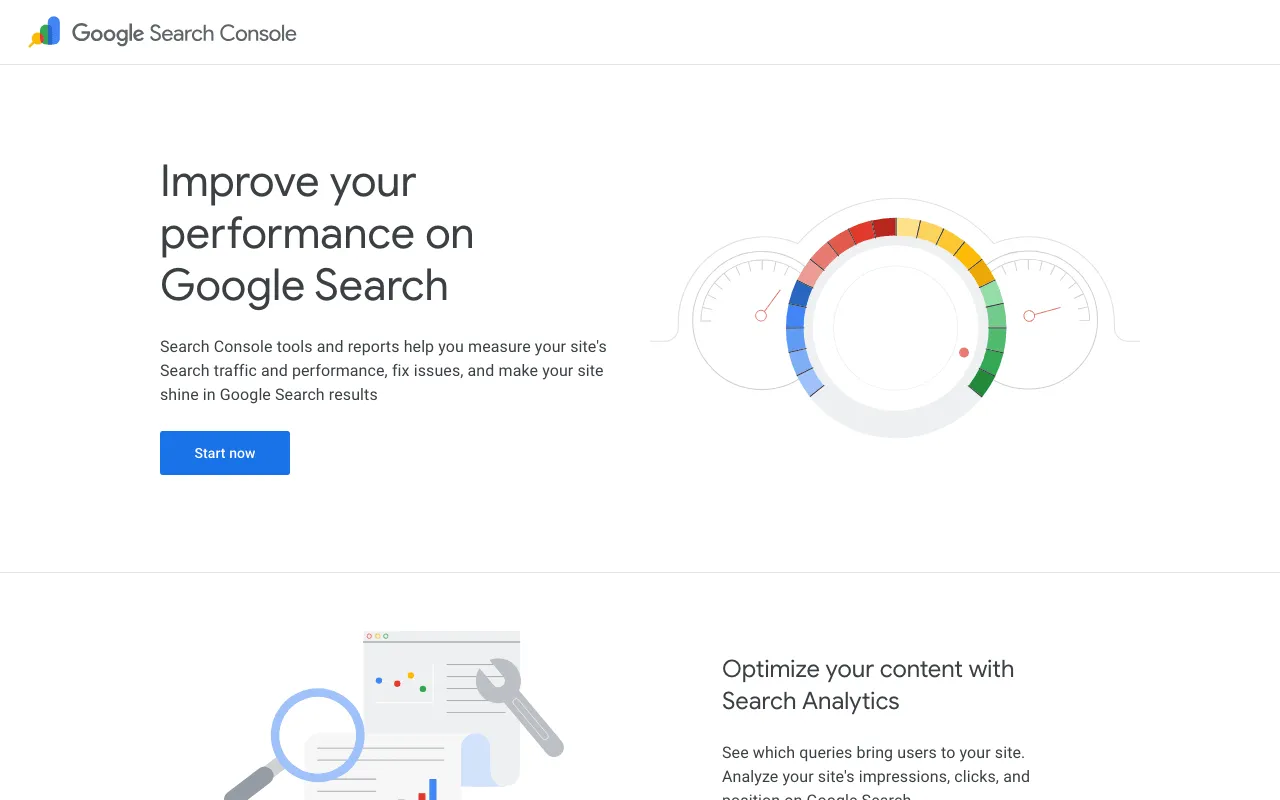
Google’s Search Console overview page. Screenshot of search.google.com/search-console/about, taken 30 October 2026.
Search Console is Google’s free tool for site owners. Add your site, verify that you own it, and you’ll see which pages Google has indexed and which searches show your site.
A sitemap is a file that lists your important pages. Google says it isn’t required, but it helps on a large or fast-changing site. Most website builders create one for you: paste its address into Search Console. The full walkthrough, up to requesting indexing, is on our page on how to index a website on Google.
A Google Business Profile for a local business
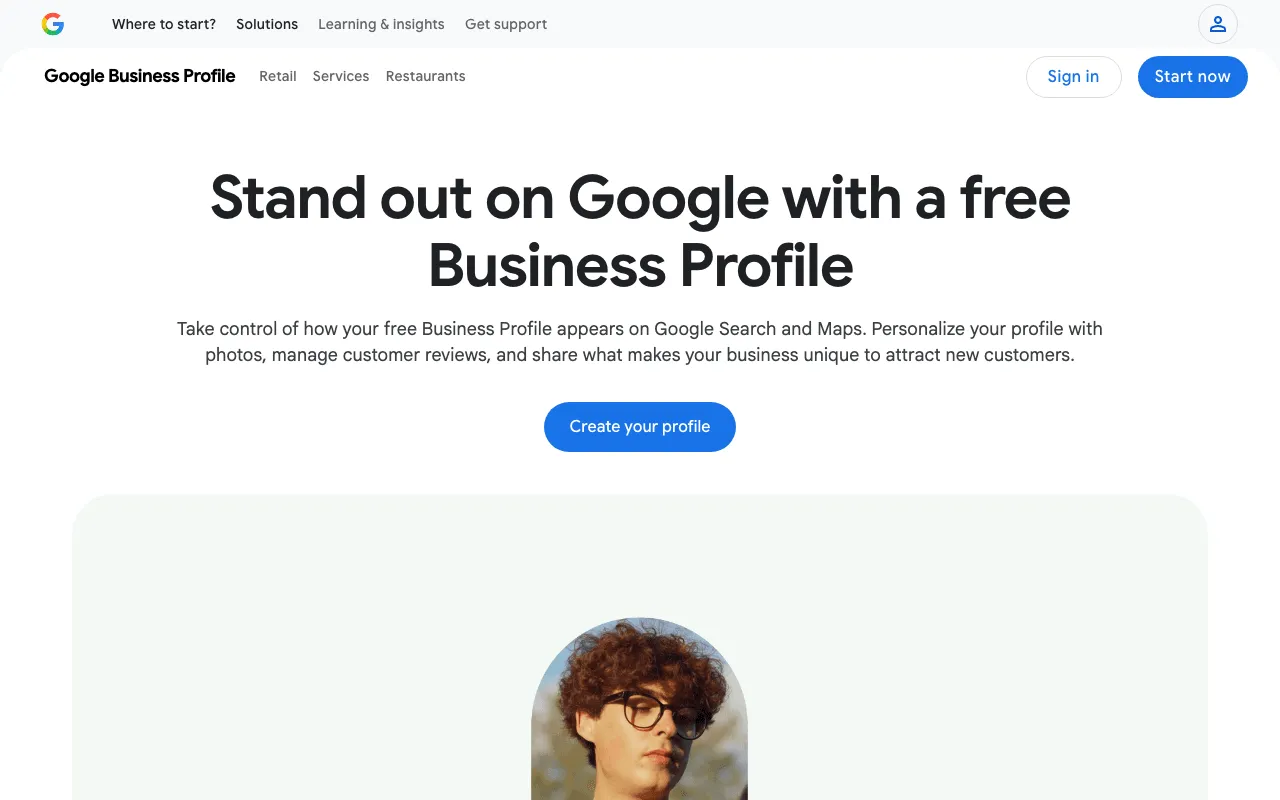
Google’s Business Profile page in the United States. Screenshot of business.google.com/us/business-profile, taken 30 October 2026.
If customers come to you, or you go to them, a Business Profile puts you on Google Maps and in local results, at no cost. Fill in every field, verify the profile, keep your hours right. In Google’s words, “Local results are mainly based on relevance, distance, and popularity”, and “There’s no way to request or pay for a better local ranking on Google” (Business Profile help, read 30 October 2026).
Free levers that depend on you: pages, content and links
Useful pages that answer real questions
One page per service, written with the words your customers use. Google asks for content that is helpful, reliable and people-first, and states that the length of the content alone doesn’t matter for ranking (SEO Starter Guide, read 30 October 2026). Answer the question in the first lines, add your prices or service area, and a way to reach you.
Links you earn rather than buy
Links from other sites help Google find you and show that you exist outside your own site. Ask your trade association, your suppliers and partners, a local newspaper. Never buy them. Google is explicit: “please don’t pay them to link to you; that could be considered a violation of Google’s spam policies” (How to get your website on Google, read 30 October 2026).
A site that works on a phone
Open your site on your phone. Can you read without zooming? Tap the phone number? Google notes that most searches are now done from mobile devices, and suggests testing your pages with Lighthouse, a free tool.
A free website on Google Sites: will it show up?
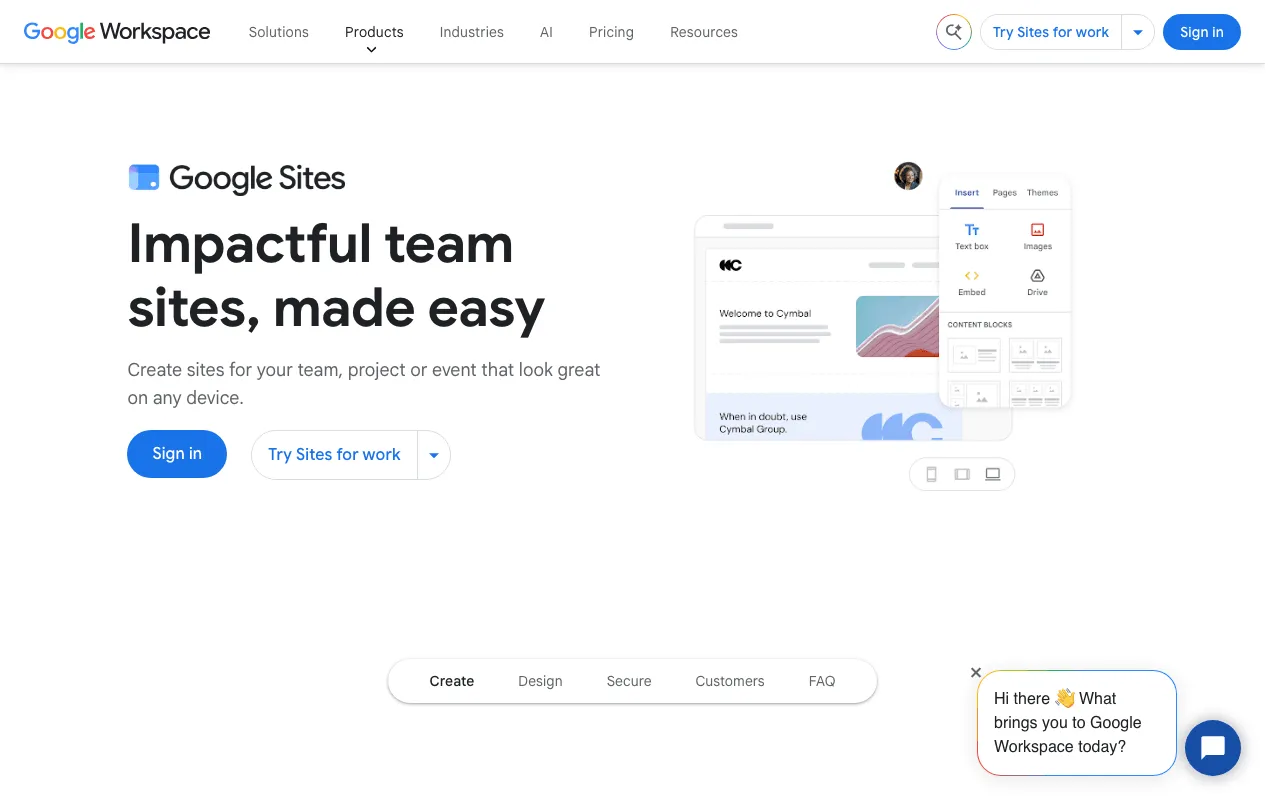
Google’s page presenting Google Sites. Screenshot of workspace.google.com/intl/en/products/sites, taken 30 October 2026.
If you have no site at all, Google Sites lets you build one at no cost. Being made by Google doesn’t buy it a place: “there’s no guarantee that any particular site will be added to Google’s index”, Google writes about every site (SEO Starter Guide, read 30 October 2026). Treat it like any other site: Search Console, clear pages, links.
Free ways to check your progress
Search Console is the first one: clicks, impressions, indexed pages, errors. Note the numbers on the same day each month, and compare month to month.
A free audit on SemChat’s €0 plan, and its limit
SemChat is an SEO assistant you talk to in plain language. Its Free plan costs €0, and the pricing page says “Try semchat with no credit card” (semchat.io/en/pricing, read 30 October 2026). On 29 October 2026, I asked it, in French, for a full audit of my site plugkit-avis.com. About 3 minutes later, I had 8 key indicators, a 5-point diagnosis and three actions for the week.
The catch: that single audit used up 100% of the Free plan’s monthly quota.
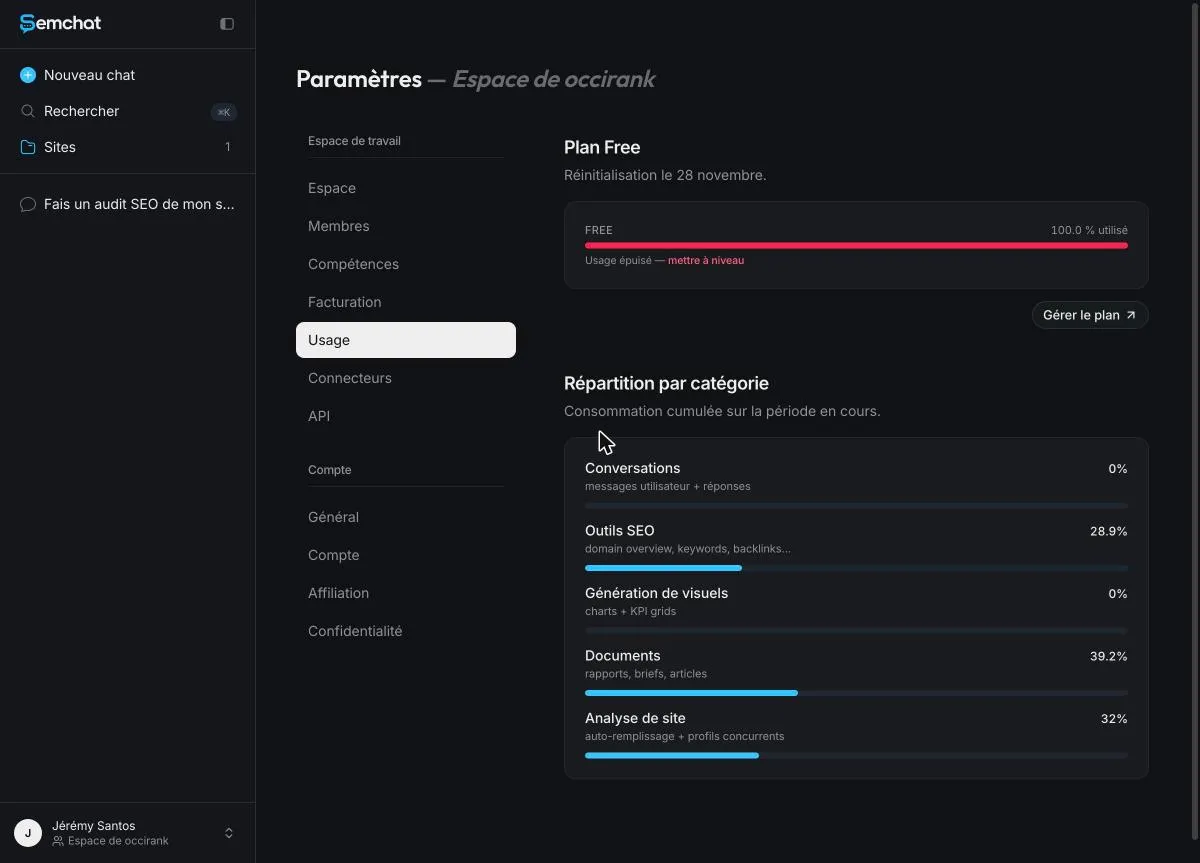
The Free plan quota used up by a single full audit, 29 October 2026 (French interface). Screenshot of the SemChat app, Jérémy’s account, Free plan.
So one free audit a month, roughly. For more, the first paid plan, Starter, costs €20 a month (same page). Details are on the SemChat pricing page, and my full test is in the SemChat review.
A free checklist for your first month
Everything below costs nothing but time. Tick it off over four weeks:
- Verify your site in Search Console and open the Pages report: how many pages are indexed?
- Submit your sitemap under “Sitemaps”.
- Request indexing for your home page and your main service page with the URL Inspection tool.
- Create or claim your Business Profile if you serve local customers, fill in every field and verify it.
- Test your main page with PageSpeed Insights: paste its address, then fix the obvious slowdowns, often heavy photos.
- Rewrite one title so it starts with the search you want to win.
- Link your pages together: home page to each service, each service to related ones.
- Ask five real customers for a review, with nothing in return.
- Ask two partners for a link to your site.
- Note your numbers (clicks, impressions, indexed pages) to compare next month.
The Google tools worth knowing
- Google Search Console: indexing, searches, clicks, errors.
- Google Business Profile: your listing on Maps and in local results.
- PageSpeed Insights: how fast your pages load on a phone.
- Google Analytics: what visitors do once on your site.
- Bing Webmaster Tools: the same idea as Search Console, for Bing.
Free shortcuts that cost you later
Some “free” or cheap tricks backfire. Paid links can be considered a violation of Google’s spam policies. Reviews bought or rewarded with a discount or a gift are forbidden by Google’s rules on contributed content, and can be removed. And there’s no free trick that guarantees a ranking: Google says no one can guarantee a #1 spot.
What free won’t do for you
| Free | Paid | |
|---|---|---|
| Showing up | organic results, Business Profile | ads marked Sponsored |
| Work | your own time | a freelancer or an agency |
| Tools | Search Console | paid plans of SEO tools |
Ads: the only way to sit at the top right away
Organic results take weeks. Ads show up as soon as they’re approved, marked “Sponsored”, and you pay for clicks. They’re a separate, paid spot: Google doesn’t rank organic results higher because you buy ads. Prices are on the SEO cost page.
When paying someone starts to make sense
When your site has dozens of pages and you have no time, or when competitors are well ahead. Google lists what an SEO can do: review your content and structure, give technical advice, develop content, research keywords, train your staff. Its warning: no one can guarantee a #1 ranking.
Next steps: how to get my website on Google walks you through Search Console and indexing; how to improve SEO gives the order of fixes; how to get to the top of Google search explains what really moves rankings. New to the terms? Start with SEO meaning and search engine optimisation.
How to get my website on Google for free comes down to this: Search Console, a Business Profile if you’re local, useful pages, earned links, and time. Start with Search Console today.
Frequently asked questions
How do you get your website higher on Google for free?
Fix what stops Google from reading your pages (check Search Console), give each page a clear title that matches one search, answer that search better than the pages already there, and link your pages to each other. Google says plainly that no one can guarantee a #1 ranking.
What are the limits of a free Google Sites website?
It can be indexed like any other site, but there is no guarantee: Google writes that there's no guarantee that any particular site will be added to its index (SEO Starter Guide, read 30 October 2026). Check it in Search Console like any other site.
How much does a website builder cost?
Missing data: the average price of a paid website builder plan (planned source: pricing pages of website builders, read and dated). Google Sites itself is part of Google's free tools.
Does Google charge to be listed?
No. Google writes that it costs nothing to appear in its organic search results, and that it doesn't accept payment to crawl a site more often or rank it higher (Google Search Central, pages read 30 October 2026). Only ads are paid.
Let your AI do the chores of getting found online.
10% off your subscription, for life with my link, if you subscribe within 2 weeks of signing up. No code. All about the SemChat promo code
Affiliate link: it costs you nothing extra.
Verified sources
- Google Search Central: SEO Starter Guide (October 30, 2026)
- Google Search Central: How to get your website on Google (October 30, 2026)
- Google Search Central: In-depth guide to how Google Search works (October 30, 2026)
- Google Search Central: Do you need an SEO? (October 30, 2026)
- Google Search Console overview page (October 30, 2026)
- Google Business Profile, United States (October 30, 2026)
- Google Business Profile Help: tips to improve your local ranking (October 30, 2026)
- Google Sites presentation page (October 30, 2026)
- SemChat pricing (October 30, 2026)
- Google Maps user contributed content policy: prohibited and restricted content (October 30, 2026)