How to index a website on Google, step by step
How to index your website on Google? You don't sign up anywhere: Google finds most pages on its own. Your job is to open the door and show the way: add your site to Search Console, send your sitemap, request indexing for your key pages, link your pages together, then give it time. Google says Search Console is free.
 By Jérémy Santos Updated on 30 October 2026 Tested on his own SemChat account: first audit on 29 October 2026.
 This page is part of the guide: What is Google Search Console

Getting your site into Google, one step after another. Illustration by Zéro Corvée.
Your site is live, but Google doesn’t show it yet. This guide follows Google’s own help pages, read on 30 October 2026, one move at a time. The tool you’ll use at every step is free: if you’ve never opened it, start with what is Google Search Console. The SemChat buttons on this page are affiliate links.
How to index my website on Google: check where you stand
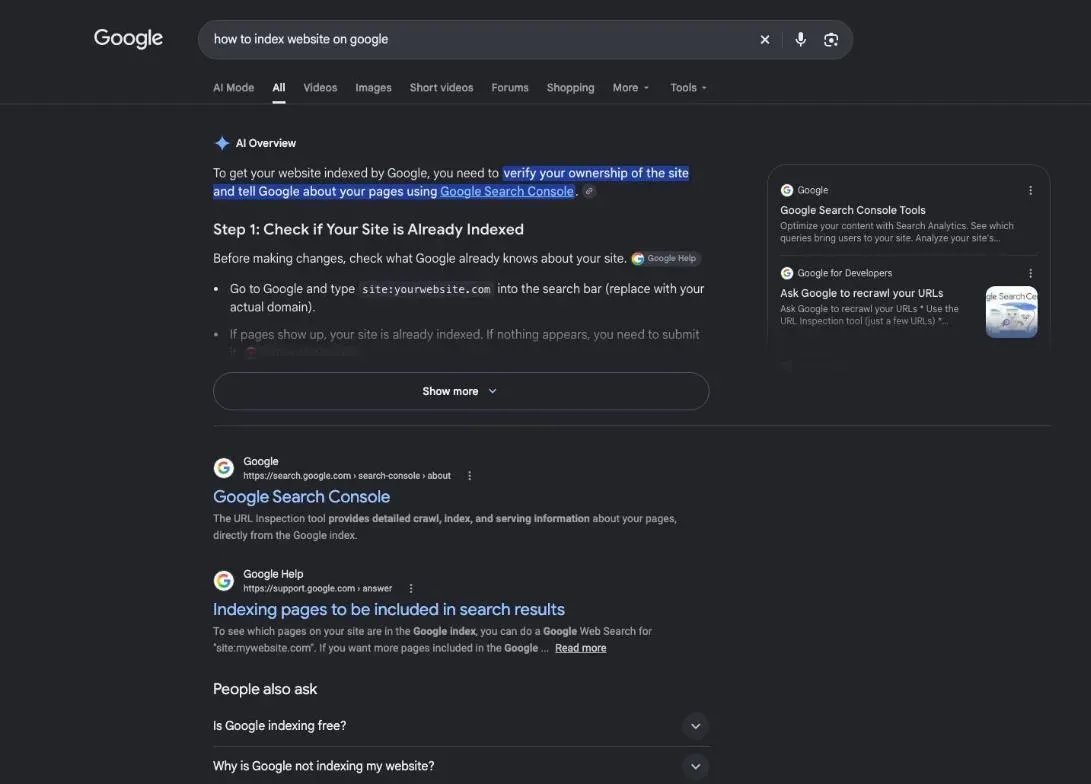
Google doesn’t wait for you to apply. Its guide says “the vast majority of pages listed in our results aren’t manually submitted for inclusion, but are found and added automatically when our web crawlers explore the web.” Your moves remove blocks and speed up discovery. If you run a shop or a small site and start from zero, our walkthrough on how to get my website on Google puts those moves in order.
Google index website check: is your site already in it?
Type site: followed by your domain into Google, for example site:yoursite.com. Pages show up? Google knows at least some of them. Treat it as a rough look: Google says an indexed URL “can show up” for site: queries, “however it’s not guaranteed.”
The reliable check is in Search Console. Google writes: “The URL Inspection tool provides information about Google’s indexed version of a specific page, and also allows you to test whether a URL might be indexable.”
Crawl first, index second: the path of a new page
Google works in three stages, and “not all pages make it through each stage.” Crawling: Googlebot downloads your page. Indexing: Google analyses it and stores it in the Google index, “a large database.” Serving: your page can show up in results. What “indexed” really means, and how to read each status, is covered in our guide to indexing in SEO.
- 1 Published Your page is live at a public address.
- 2 Crawled Googlebot finds the address through a link or a sitemap, then downloads the page.
- 3 Indexed Google analyses the page and stores it in its index, or doesn't.
- 4 Served The page can show up in search results.
Step 1: add your site to Search Console and send your sitemap
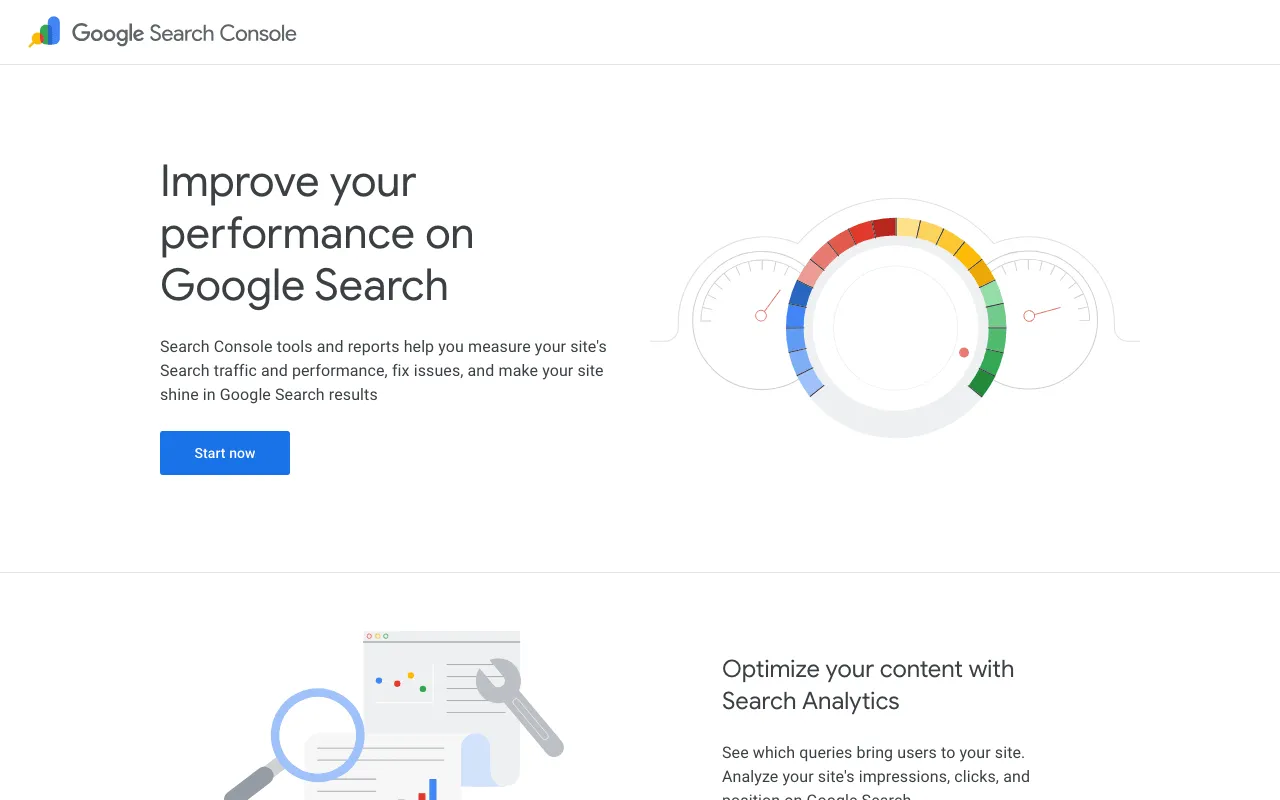
Go to search.google.com/search-console/about, click Start now, sign in with your Google Account and add your site. Then prove it’s yours: Google offers several methods, such as an HTML file, an HTML tag, your Google Analytics or Tag Manager code, or your domain name provider.
Next, the sitemap: the list of pages you want Google to know about (more in what is a sitemap). Google explains: “‘Submitting’ a sitemap means telling Google where to find the file on your site.” Open the Sitemaps report, paste the sitemap address and click Submit. “You must have owner permissions on a property to submit a sitemap using the Sitemaps report.”
Not every site needs one. Google says a small site, about 500 pages or fewer, with every page reachable through links from the homepage, probably doesn’t. On Squarespace or Wix, your sitemap is probably managed for you.
Where WordPress keeps your sitemap
Since version 5.5, WordPress publishes a sitemap index at /wp-sitemap.xml, according to its July 2020 announcement. That’s the address to submit. What SEO plugins change is covered in our wordpress sitemap guide.
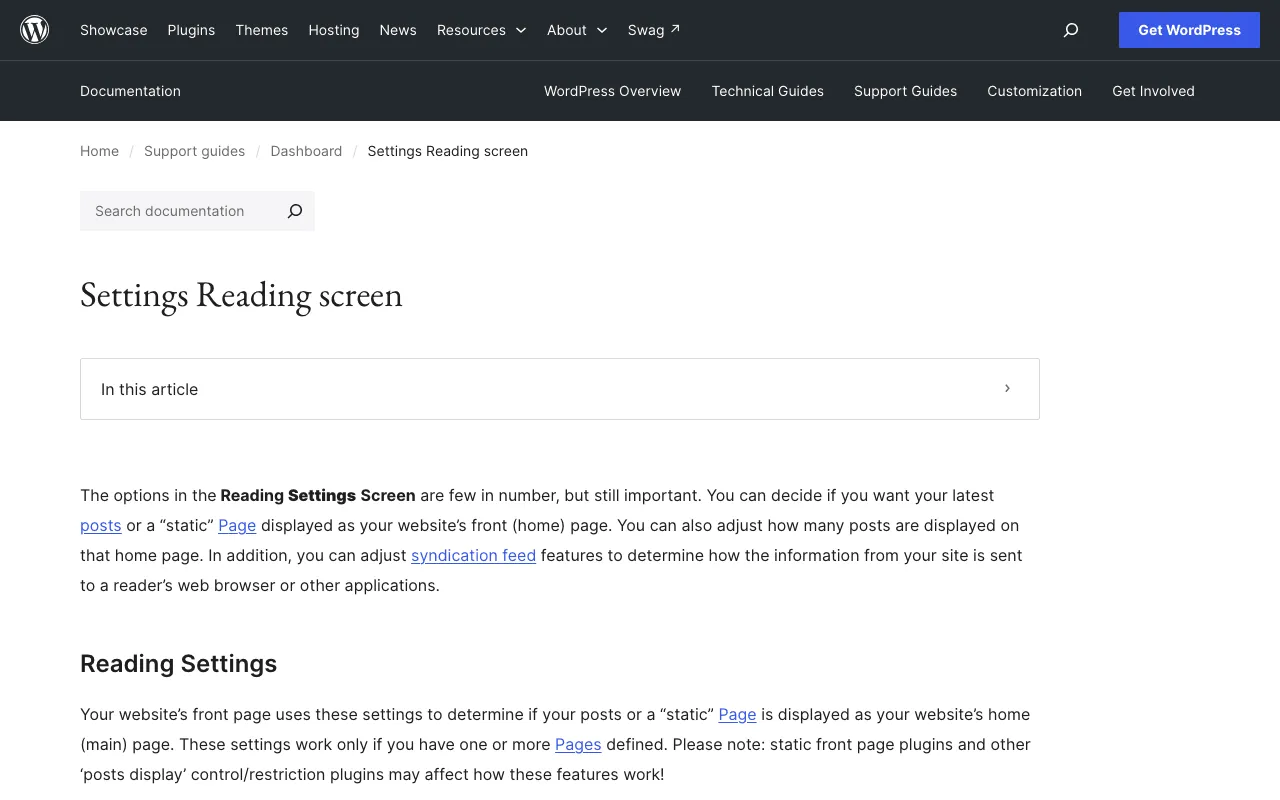
One checkbox can undo everything. In the Reading settings, “Discourage search engines from indexing this site” adds a noindex tag to your site, and it also turns off the sitemap. Leave it unchecked.
Step 2: request indexing with the URL Inspection tool
For a new or updated page, this is the most direct move:
- Type the full page address into the inspection bar at the top of Search Console.
- Click Request indexing on the result page.
If the live test finds the page non-indexable, you can’t request indexing: fix the block first.
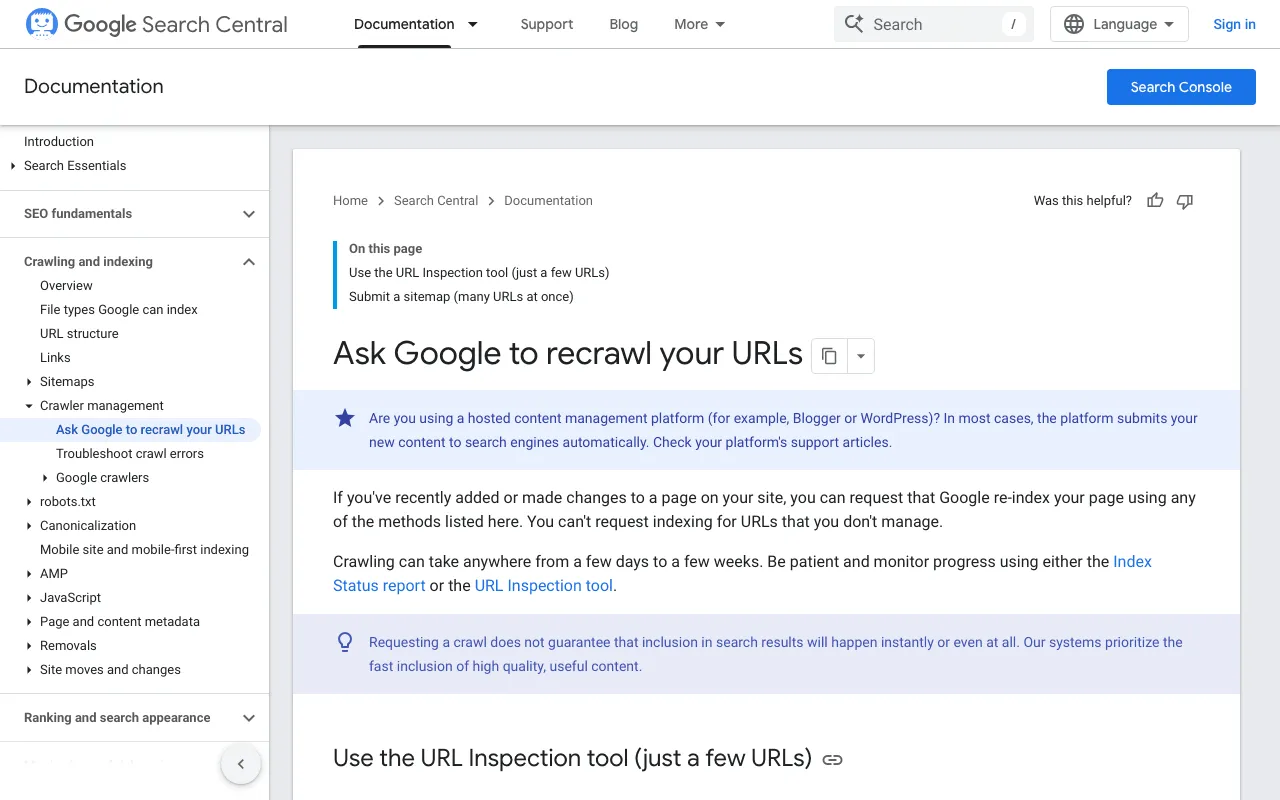
Google sets two limits. “You must be an owner or full user of the Search Console property to be able to request indexing.” And “there’s a quota for submitting individual URLs and requesting a recrawl multiple times for the same URL won’t get it crawled any faster.” Keep this for your key pages.
How to get Google to index my site faster: links from your own pages
“Google uses links as a signal when determining the relevancy of pages and to find new pages to crawl.” Give every new page at least one link from a page Google already knows, the way a category page links to a new blog post. Links from other sites open more paths in.
Step 3: wait, check again, and what to do if nothing moves
Google promises no timeline: “Crawling can take anywhere from a few days to a few weeks.” And: “Requesting a crawl does not guarantee that inclusion in search results will happen instantly or even at all.” Track progress with the URL Inspection tool.
On 29 October 2026, I asked SemChat for an indexing-focused audit of plugkit-avis.com, a brand-new site with Search Console data only since 24 October. Its Indexing skill inspected 5 pages and found all 5 indexed, which my own Search Console checks confirm. But its summary counts about 170 pages in the sitemaps, while the sitemap index lists 194.
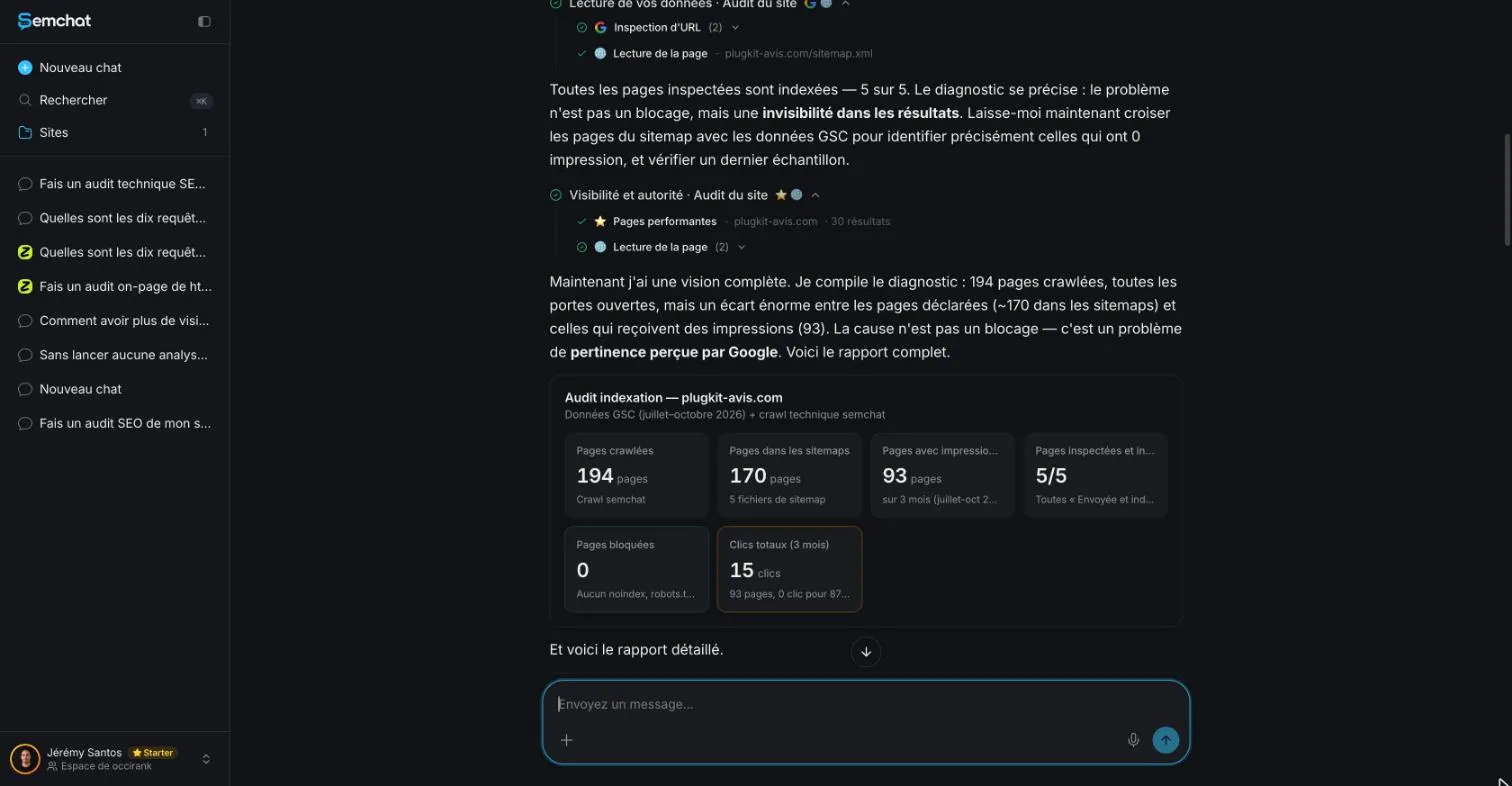
Its first diagnosis was wrong, which it admitted when pushed: “J’avais tort sur trois points” (I was wrong on three points). Its three final actions were wrong too: add a page already in the sitemap, add two pages that return a 404 error, create a sitemap that existed. Tip: start a new chat, since the chat linked to my site answered “Je n’ai pas accès à ta Search Console” (I don’t have access to your Search Console).
A page seen but not kept? That status has its own guide: crawled, currently not indexed. Once your pages are in, Search Console shows the searches they appear for; for what visitors do next, read what is GA4, and to compare sites, try a website traffic checker. My full test is in the SemChat review.
Indexing tools that promise speed: what they don’t replace
Some services promise to get you indexed faster. Google’s position: “Google doesn’t accept payment to crawl a site more frequently, or rank it higher. If anyone tells you otherwise, they’re wrong.” No paid tool replaces an open site, a sitemap and good links.
That’s how to index a website on Google: an open site, Search Console, a sitemap, a few targeted requests, links, then patience. Start today with a site: check of your domain.
Frequently asked questions
Is Google indexing free?
Yes. Google calls Search Console “a free service” and writes: “You don't have to sign up for Search Console to be included in Google Search results.” Search Console simply helps you see how Google sees your site and fix what blocks it (Google help page read 30 October 2026).
Can you pay Google to rank your website higher?
No. Google's guide to how Search works is blunt: “Google doesn't accept payment to crawl a site more frequently, or rank it higher. If anyone tells you otherwise, they're wrong” (read 30 October 2026). Ads on Google Search are a separate product.
Should every page of your site be indexed?
No. When several pages are near copies, Google groups them and picks one canonical page to show. For a page you want kept out of Google, Google recommends a noindex rule or a password, not robots.txt (Google Search Central, read 30 October 2026).
How do you index a Wix website on Google?
Google's sitemap help says that on hosting services such as Squarespace or Wix, your sitemap is probably managed for you. The rest is the same as for any site: add it to Search Console, verify it, then request indexing of your homepage and key pages with the URL Inspection tool. I didn't find a Wix help page to quote on this (30 October 2026).
Let your AI do the chores of getting found online.
10% off your subscription, for life with my link, if you subscribe within 2 weeks of signing up. No code. All about the SemChat promo code
Affiliate link: it costs you nothing extra.
Verified sources
- Google Search Central: Ask Google to recrawl your URLs (30/10/2026)
- Google Search Console: product page (30/10/2026)
- Search Console Help: About Search Console (30/10/2026)
- Search Console Help: URL Inspection tool (30/10/2026)
- Search Console Help: Manage your sitemaps using the Sitemaps report (30/10/2026)
- Search Console Help: Verify your site ownership (30/10/2026)
- Google Search Central: In-depth guide to how Google Search works (30/10/2026)
- Google Search Central: Link best practices for Google (30/10/2026)
- Google Search Central: site: search operator (30/10/2026)
- WordPress documentation: Settings Reading screen (30/10/2026)
- WordPress Core: New XML Sitemaps Functionality in WordPress 5.5 (July 22, 2020) (30/10/2026)
- SemChat pricing (Free plan, Starter plan) (29/10/2026)