WordPress sitemap: where it is, how to create it, how to submit it
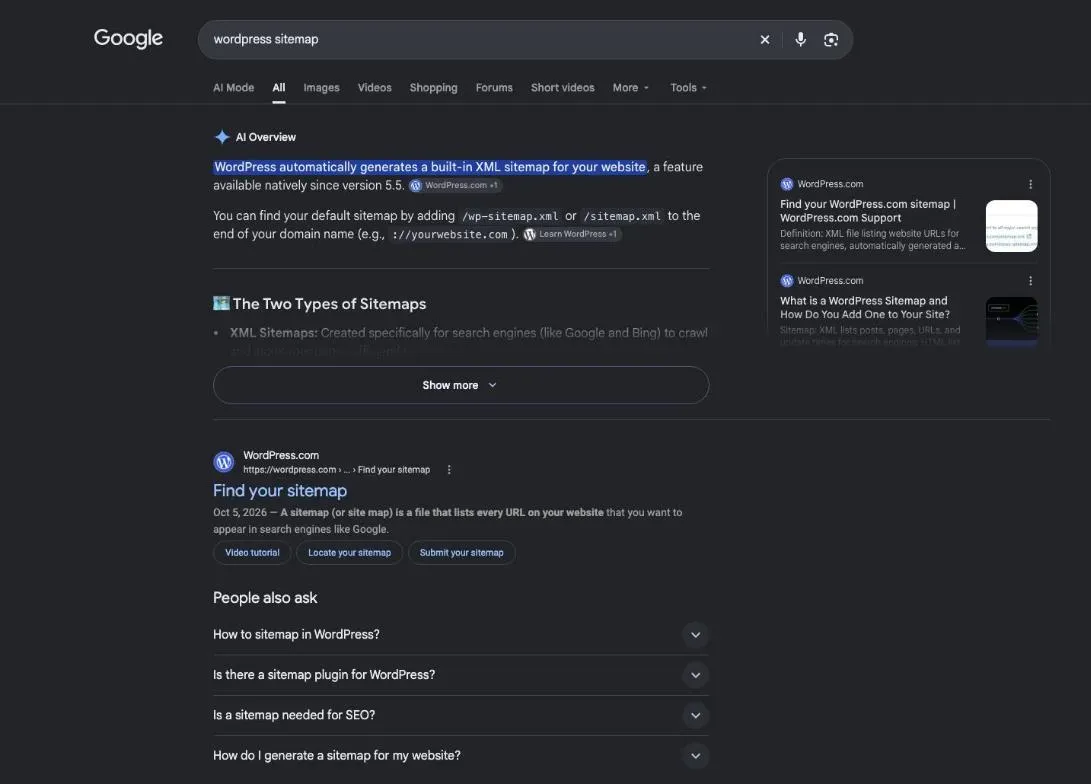
Your WordPress sitemap probably already exists: since version 5.5, WordPress publishes one at /wp-sitemap.xml on its own. If you use an SEO plugin like Yoast SEO, it publishes its own at another address. Your job is to find the right one, paste it into Google Search Console, and check that Google reads it without errors.
 By Jérémy Santos Updated on 30 October 2026 Tested on his own SemChat account: first audit on 29 October 2026.
 This page is part of the guide: How to do SEO on WordPress

The map of your site, handed to Google so no page gets forgotten. Illustration by Zéro Corvée.
A WordPress sitemap hands Google the list of your pages. You rarely have to build one: you need to know where it lives and tell Google about it. This guide follows the WordPress documentation and Google’s help pages, read on 30 October 2026, and it’s one step of how to do SEO on WordPress. The SemChat button on this page is an affiliate link.
Where to find your sitemap on WordPress
WordPress sitemap URL: the built-in address
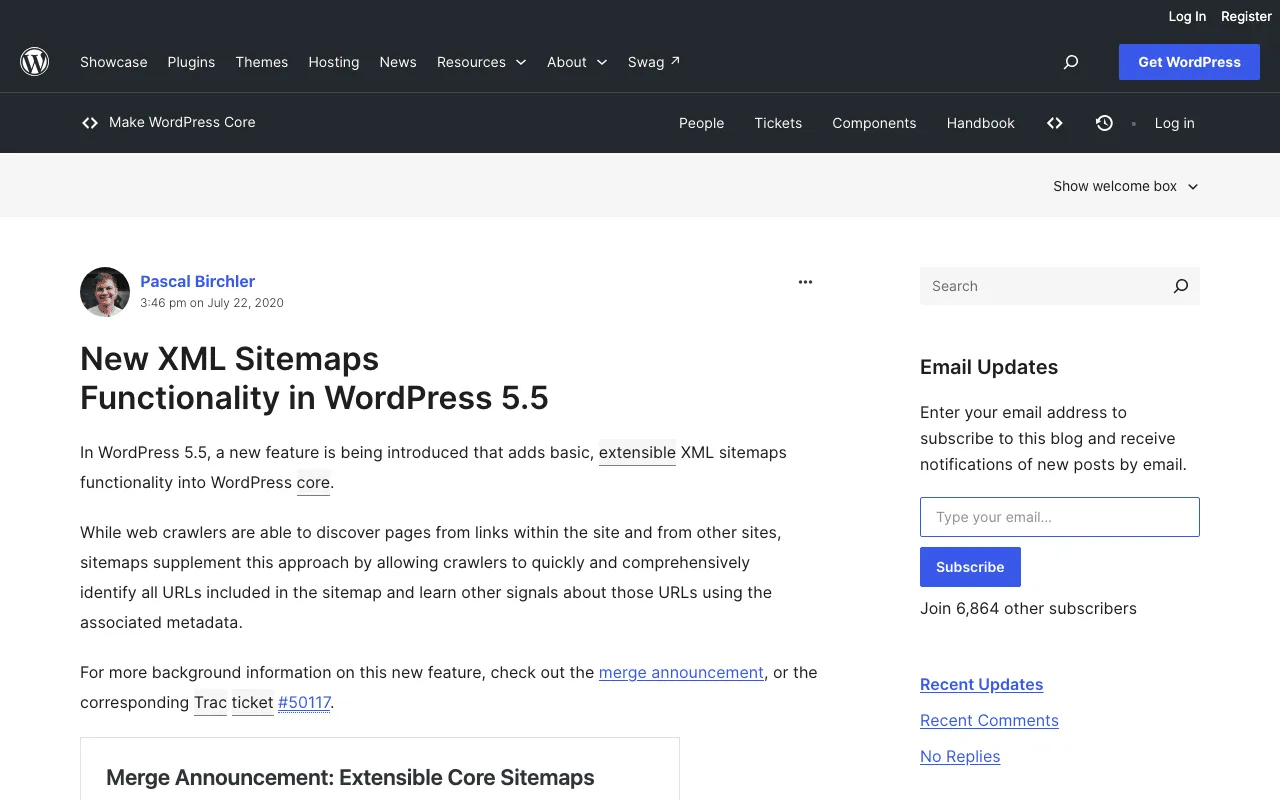
The WordPress core team put it plainly: “With version 5.5., WordPress will expose a sitemap index at /wp-sitemap.xml.” Type your domain followed by /wp-sitemap.xml in your browser. You get an index that links to smaller sitemaps. According to the same announcement, it covers public post types, categories and tags, author archives and the home page, with up to 2,000 URLs per sitemap by default, and the robots.txt file WordPress generates points to it.
The sitemap your SEO plugin makes instead
SEO plugins publish their own sitemap. Yoast’s help points to /sitemap_index.xml and says a sitemap at example.com/sitemap.xml “is not generated by Yoast SEO.” SEOPress says its index is “usually” at /sitemaps.xml. Rank Math and AIOSEO include sitemaps in their free versions, but our sheets don’t record their addresses: check their own docs. Still choosing? Our WordPress SEO plugin guide compares them.
WordPress.com or WordPress on your own host: two cases
On WordPress.com, the help center gives /sitemap.xml and says it is limited to the 1,000 most recently updated posts. On a self-hosted WordPress, use the addresses above.
What a sitemap is, in short
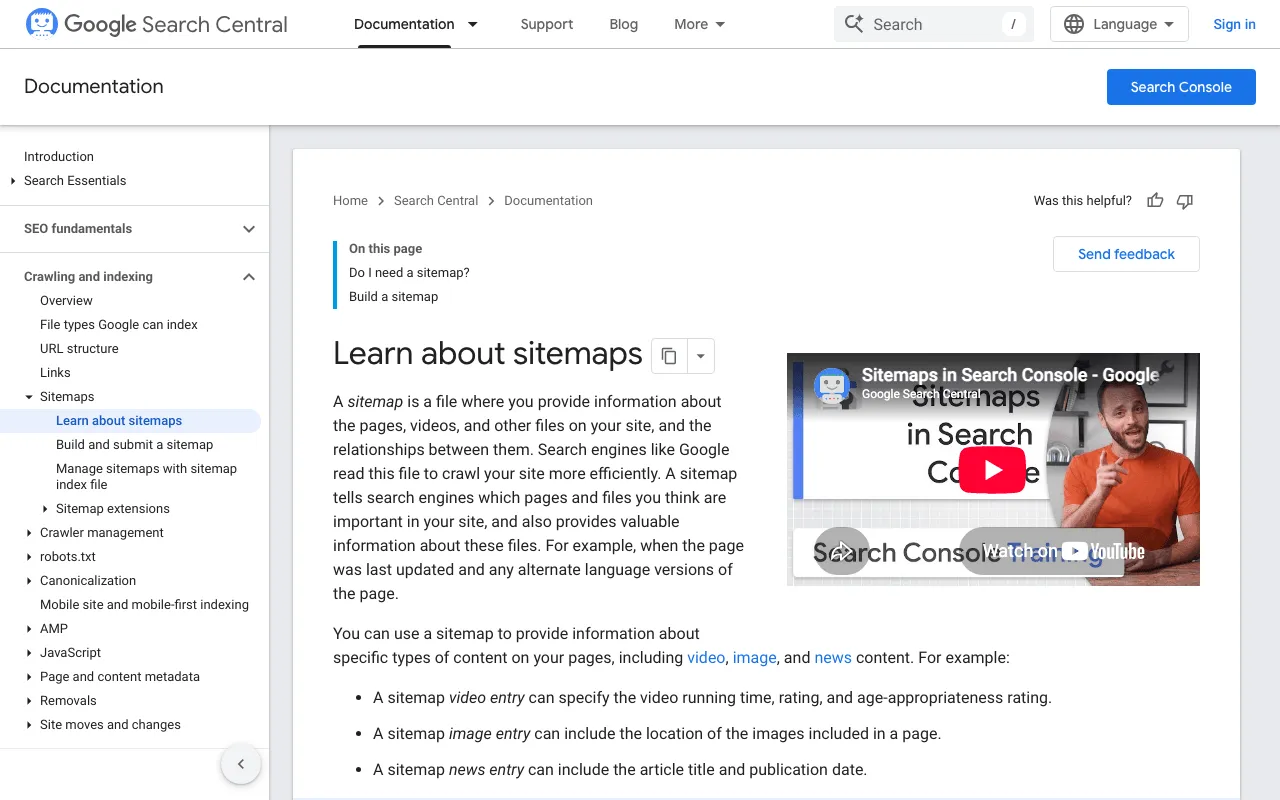
Google’s definition: “A sitemap is a file on your site that tells Google which pages on your site we should know about.” The XML version is written for robots, not for visitors. Our page on what is a sitemap covers the XML and HTML versions and when you need one.
Is a sitemap needed for SEO?
Google says you “might not need a sitemap” if your site is small, “about 500 pages or fewer on your site,” with every important page reachable by links from the home page.
How to create a WordPress XML sitemap
How to create sitemap in WordPress with a plugin
Install an SEO plugin, turn on its sitemap module if it’s off, and send its address to Google. Per our sheets, Yoast SEO’s free version includes automatic XML sitemaps, and AIOSEO Lite covers “basic sitemaps.” Paid tiers add specialised sitemaps: video and Google News in AIOSEO Pro, News and Video in SEOPress PRO. Torn between Rank Math and Yoast? Read our Rank Math vs Yoast face-off.
An XML sitemap on WordPress without a plugin
You don’t need one: the core sitemap does the job. Google also accepts a line in robots.txt: “Insert the following line anywhere in your robots.txt file, specifying the path to your sitemap.” WordPress already adds it to the robots.txt it generates. If you wrote your own robots.txt, check that the line is there:
Sitemap: https://example.com/wp-sitemap.xmlChoose which pages go in it
List only pages you want in search results, with full URLs. The WordPress announcement advises excluding noindex pages. Google ignores priority and changefreq, so don’t fuss over them.
Send your sitemap to Google and check it
Google is clear that “submitting” a sitemap “means telling Google where to find the file on your site.” Three steps from its help page:
- Verify ownership. “You must have owner permissions on a property to submit a sitemap using the Sitemaps report.”
- Test access. Run a live URL inspection on the sitemap and check that Page fetch is “Successful.”
- Submit. Open the Sitemaps report, paste the URL into “Add a new sitemap,” and click Submit.
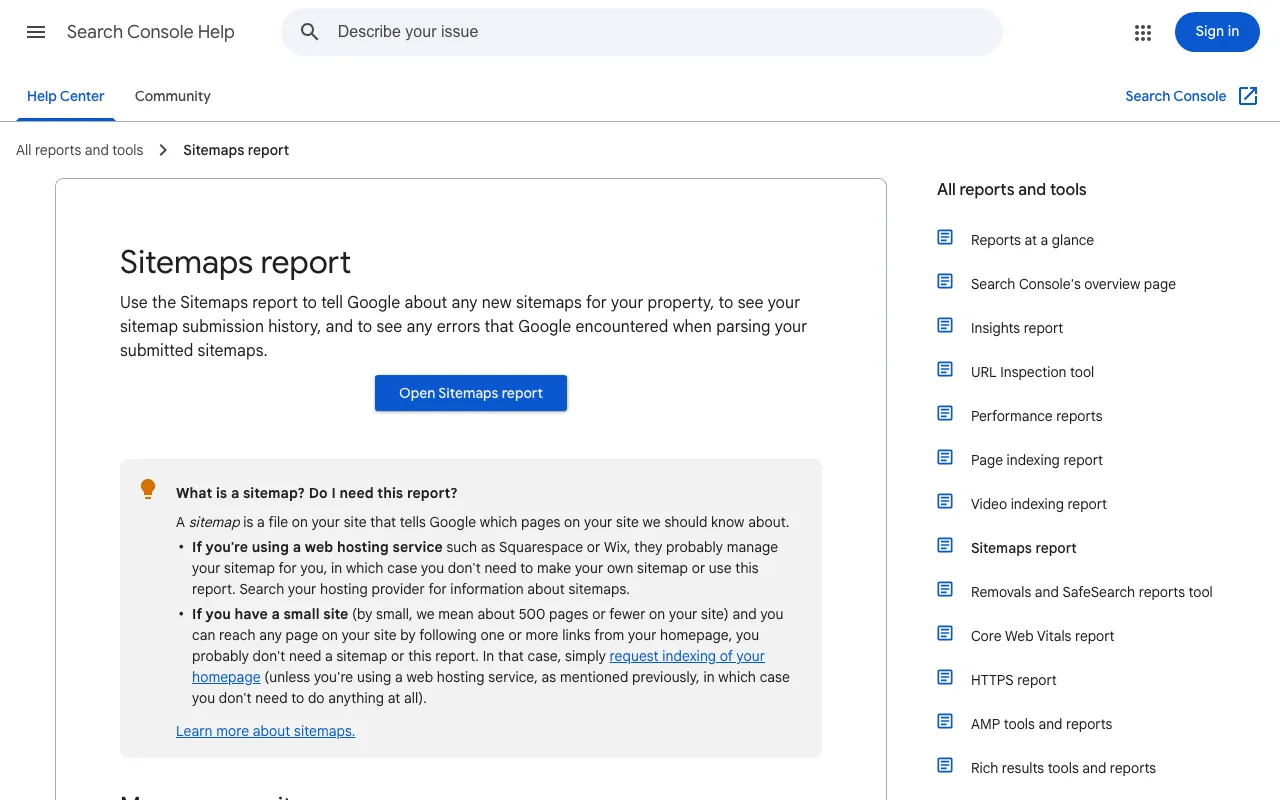
Then read the status. “Success” means Google fetched and read it. Keep expectations modest: Google calls submission “merely a hint: it doesn’t guarantee that Google will download the sitemap or use the sitemap for crawling URLs on the site.”
Common sitemap errors and how to spot them
- The visibility box: in Settings, Reading, “Discourage search engines from indexing this site” adds a noindex tag, per the WordPress docs, and turns sitemaps off, per the 5.5 announcement.
- The wrong sitemap: you submitted
/wp-sitemap.xmlwhile your plugin publishes its own, or the reverse. - The wrong property: Google warns about mixing up http and https, or the www and non-www versions of your address.
To check the rest, follow our WordPress SEO audit. Running a Webflow site too? See our Webflow SEO guide.
Tools can be wrong too. On 29 October 2026, we ran SemChat’s Indexation skill on plugkit-avis.com, an Astro site, not WordPress. It inspected 5 pages and found 5 indexed, matching Search Console. Its three weekly actions were wrong.
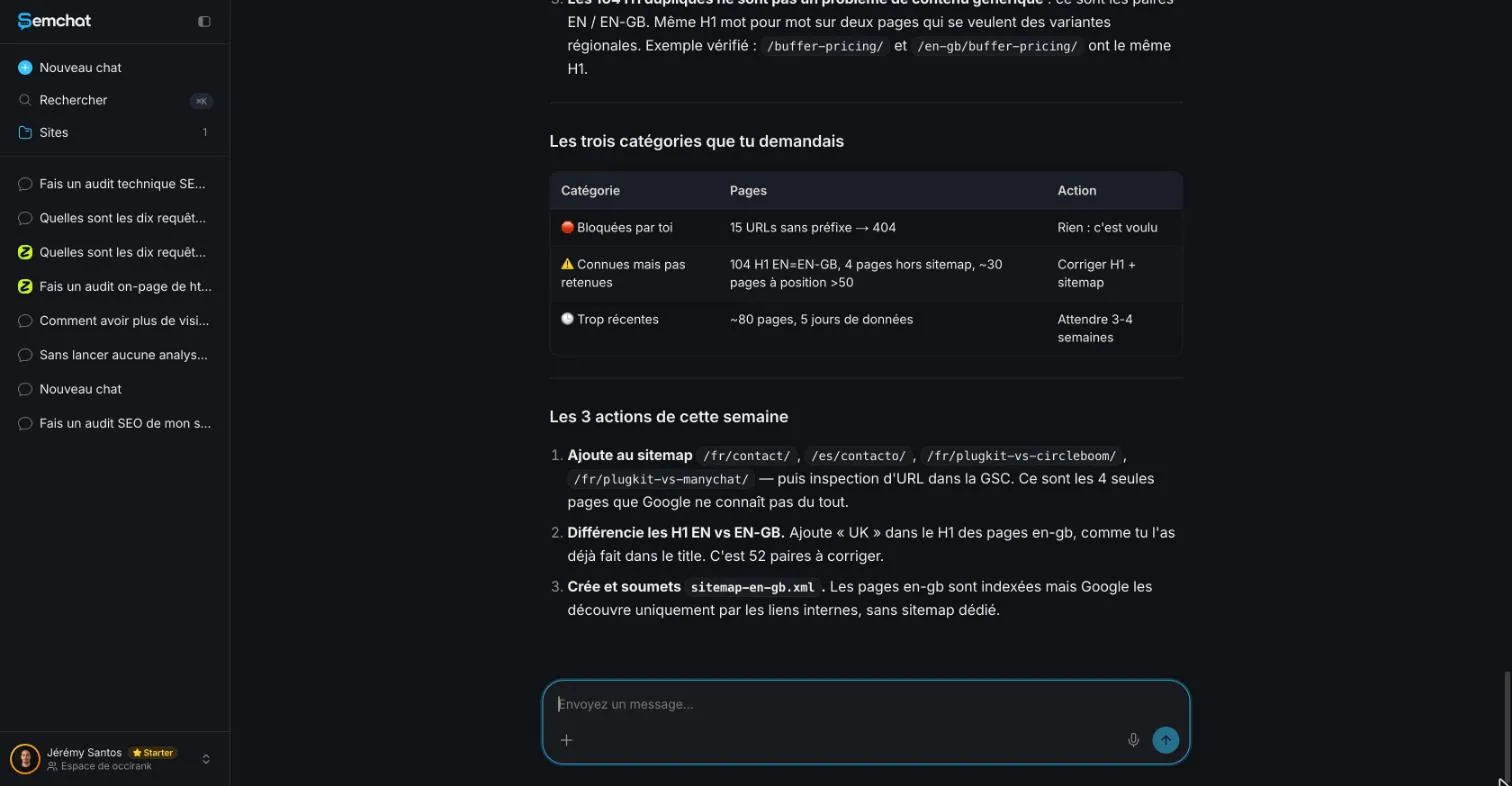
A gsc_sitemaps tool appears in SemChat’s code; we didn’t see it run, and nothing shows it creates or submits a WordPress sitemap. Its WordPress connector wasn’t connected or tested. More in our SemChat review.
An HTML sitemap for your visitors
| XML sitemap | HTML sitemap | |
|---|---|---|
| For | search engine robots | your visitors |
| On WordPress | built in since version 5.5 | a page you create |
An HTML sitemap is a regular page listing links to your main pages. On WordPress.com, the [sitemap] shortcode displays one.
Since your WordPress sitemap already exists, open it, check the visibility box, submit it in Search Console, and read its status.
Frequently asked questions
Does WordPress automatically create a sitemap?
Yes, since version 5.5: “With version 5.5., WordPress will expose a sitemap index at /wp-sitemap.xml” (WordPress core announcement, read 30 October 2026). It is turned off if you check “Discourage search engines from indexing this site” in Settings, Reading. WordPress.com sites have theirs at /sitemap.xml.
Is a sitemap needed for SEO?
Not always. Google says you might not need one if your site is about 500 pages or fewer and every important page can be reached by links from the home page. A sitemap helps Google discover URLs but “doesn't guarantee that all the items in your sitemap will be crawled and indexed” (Google Search Central, read 30 October 2026). On WordPress it already exists, so keeping it costs nothing.
How do I create a sitemap in WordPress with a plugin?
Install an SEO plugin and turn on its sitemap module if needed. The free versions of Yoast SEO, Rank Math, AIOSEO and SEOPress all include sitemaps, according to our sheets based on the publishers' pages (29 October and 30, 2026). Yoast's index is at /sitemap_index.xml; SEOPress's is usually at /sitemaps.xml.
How do I submit my WordPress sitemap to Google?
Verify that you own the site in Google Search Console, open the Sitemaps report, paste your sitemap URL into “Add a new sitemap” and click Submit. Google calls this “merely a hint”: it doesn't guarantee that Google will download the sitemap or crawl its URLs.
Let your AI do the chores of getting found online.
10% off your subscription, for life with my link, if you subscribe within 2 weeks of signing up. No code. All about the SemChat promo code
Affiliate link: it costs you nothing extra.
Verified sources
- Make WordPress Core: New XML Sitemaps Functionality in WordPress 5.5 (July 22, 2020) (30/10/2026)
- WordPress documentation: Settings Reading screen (30/10/2026)
- WordPress.com Support: Find your sitemap (30/10/2026)
- Search Console Help: Sitemaps report (30/10/2026)
- Google Search Central: Build and submit a sitemap (30/10/2026)
- Google Search Central: Learn about sitemaps (30/10/2026)
- Yoast: XML sitemaps in the Yoast SEO plugin (Yoast SEO sheet, October 30, 2026) (30/10/2026)
- Yoast: XML sitemap errors (Yoast SEO sheet, October 30, 2026) (30/10/2026)
- SEOPress: Enable XML sitemaps (SEOPress sheet, October 30, 2026) (30/10/2026)
- AIOSEO: Lite vs Pro comparison (AIOSEO sheet, October 29, 2026) (29/10/2026)