Link audit: check the quality of the links pointing to your site
A link audit is a review of every link that points to your site: who links to you, with what words, to which pages, and which links look risky. For a small site, the free Links report in Google Search Console is enough to start. And Google says most sites will never need its disavow tool.
 By Jérémy Santos Updated on 30 October 2026 Tested on his own SemChat account: first audit on 29 October 2026.
 This page is part of the guide: website optimisation

Sort the links pointing to your site: the good ones on one side, the doubtful on the other. Illustration by Zéro Corvée.
Other sites link to yours, and you don’t know which ones. Most help you. A few may come from link farms. A link audit sorts them out, one by one, using Google’s own rules. It’s a part of website optimisation you can do yourself, no agency needed. Below are the steps, then the real audit of my own site, including what a tool got wrong. The SemChat buttons on this page are affiliate links.
What a link audit checks, and why a small site needs one
Your backlinks are the links other sites make to yours. A link audit asks five questions: who links to me, with what words, to which pages, which links look risky, and what should I do about each one.
- 1 List The sites that link to you.
- 2 Read Anchors and linked pages.
- 3 Flag Paid, swapped or automated links.
- 4 Compare Who links to your competitors?
- 5 Decide Keep, watch or disavow.
Why bother on a small site? Google’s spam policies (read 30 October 2026) say sites that break them “may rank lower in results or not appear in results at all.” The real risk, per Google’s disavow help: “you or an SEO that you’ve hired may have built bad links to your site via paid links or other link schemes.”
Link audit or backlink checker: judging, not just listing
A backlink checker gives you the list. Our guide to check backlinks compares the tools that do it. A link audit starts where the list ends: it judges each link and tells you what to do.
How to run a link audit, step by step
Step 1: list your referring domains and linked pages
A referring domain is a site with at least one link to yours. Start with the free Links report in Google Search Console.
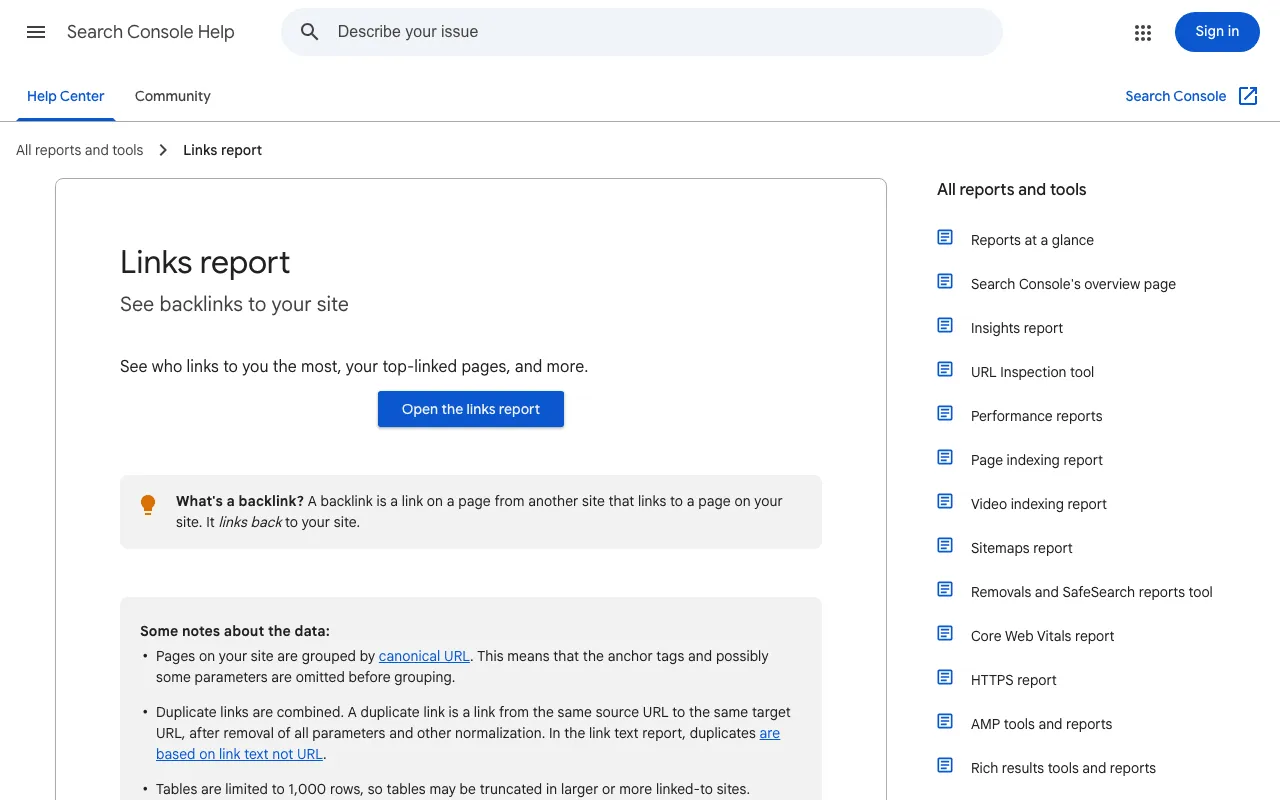
Open External links, then Top linking sites and Top linked pages. Google’s help explains: “Select a URL in the list to see the top sites linking to that page. Sites are shown by their root domain, with any subdomain omitted.”
Know the limits before you conclude. Google says the report “isn’t a comprehensive list of every link on your site,” includes links that “may have since been removed,” and “doesn’t specify if a link is marked as nofollow.”
Step 2: read the anchors and the pages that link to you
The anchor is the clickable text of a link. For a bakery, “Martin Bakery” or “martinbakery.com” look natural. “Best organic bread Chicago” looks bought. The Top linking text table is there to “confirm that the link text is what you expect, and not spammy text,” says Google.
Then open each page that links to you. Is it a real site with readers? Is the page written for people, or is it a long list of links? Check your own linked pages too: they should still exist and lead visitors to your key pages through solid internal linking SEO.
Step 3: flag doubtful links, then keep, watch or disavow
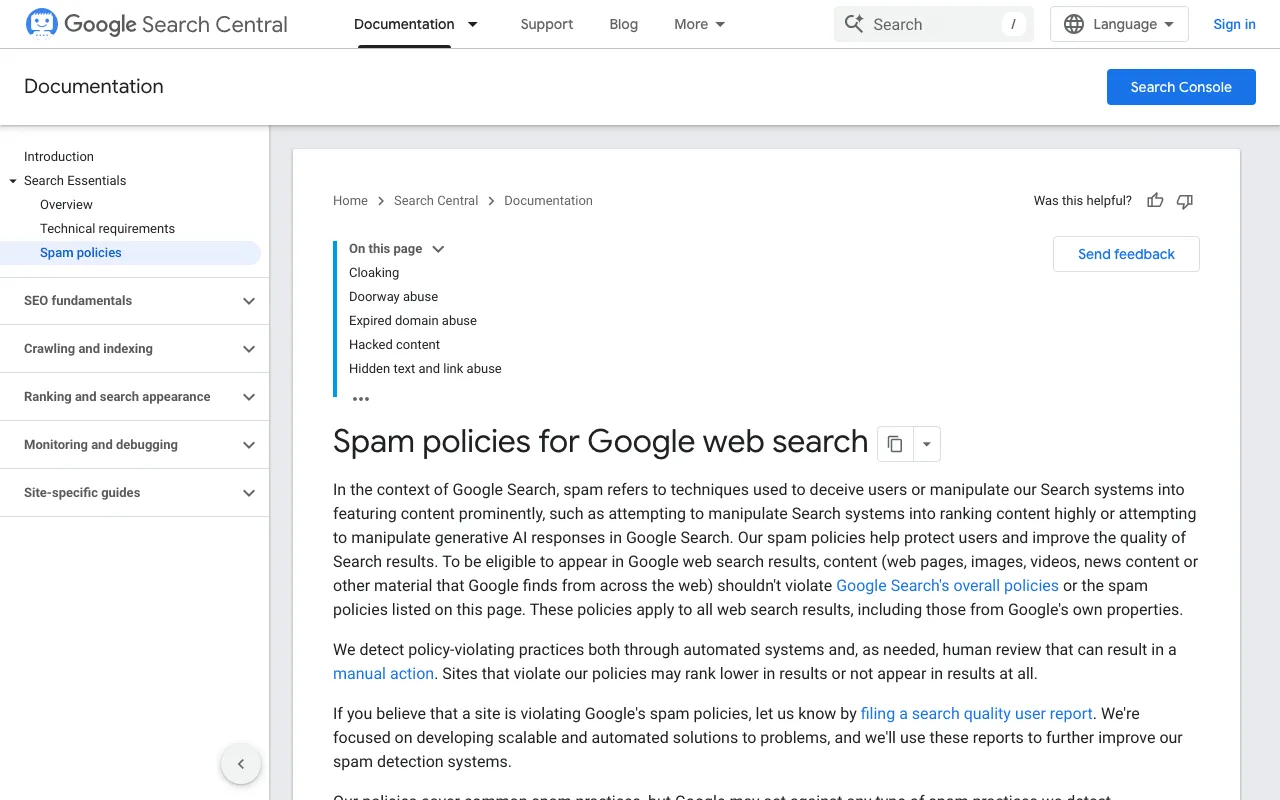
Google’s definition: “Link spam is the practice of creating links to or from a site primarily for the purpose of manipulating search rankings.” First on its list: “Buying or selling links for ranking purposes.” It also names excessive link swaps, automated link building and low-quality directories. Paid links are fine when marked with rel=“nofollow” or rel=“sponsored”.
| Keep | Watch | Disavow | |
|---|---|---|---|
| When | a real site, a related topic, a natural anchor | one doubtful link, no penalty | many spammy links and a manual action, actual or likely |
| What to do | nothing, or thank the site | note it and recheck next month | ask for removal, then upload a list to Google |
Most links land in “keep.” For known spam sites, Google’s Links report help adds that it “typically will ignore the links.” Disavowing is the exception.
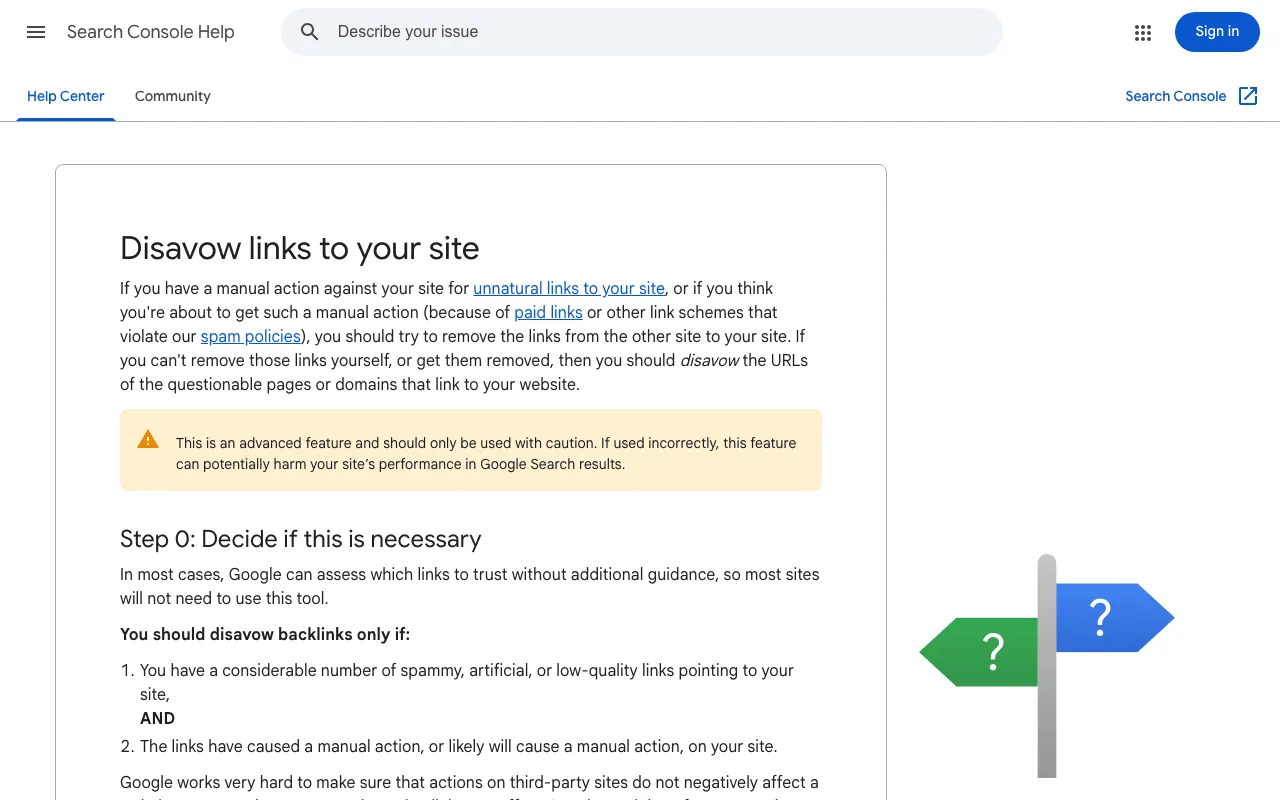
Google is blunt: “In most cases, Google can assess which links to trust without additional guidance, so most sites will not need to use this tool.” And: “You should disavow backlinks only if: You have a considerable number of spammy, artificial, or low-quality links pointing to your site, AND The links have caused a manual action, or likely will cause a manual action, on your site.” The page also warns that the tool, used incorrectly, “can potentially harm your site’s performance in Google Search results.”
Step 4: compare with your competitors and spot the gaps
Sites that link to two of your competitors know your field: they’re your best leads. Once you have them, a link building tool helps you plan new links without buying any. Tools differ here, per their dated profiles. Semrush’s Free plan allows 10 reports a day, no card needed (29 October 2026). SE Ranking has a Backlink Gap Analyzer, with no permanent free plan but a 14-day trial (FAQ, 29 October 2026). Ahrefs’ FAQ says its free account can’t research competitors’ sites.
A link audit template to note what you find
Use one spreadsheet row per link, with five columns: linking domain, your linked page, anchor, link attribute (followed, nofollow, sponsored), decision. Fill the last column at the end.
Link audit tools, free and paid
Each tool scores authority its own way, so never compare a score from one tool with a score from another. Moz’s Domain Authority runs from 1 to 100, and Moz says it isn’t a Google factor. Majestic’s Trust Flow runs from 0 to 100.
- Ahrefs: free Backlink Checker showing the first 20 backlinks, no account (29 October 2026).
- Semrush: free tools without sign-up, including a Backlink Checker.
- Seobility: free Backlink Checker; backlink monitoring in paid plans, from €59.90 a month (29 October 2026).
- SE Ranking: Backlink Checker with referring domains, anchors and toxic links (FAQ).
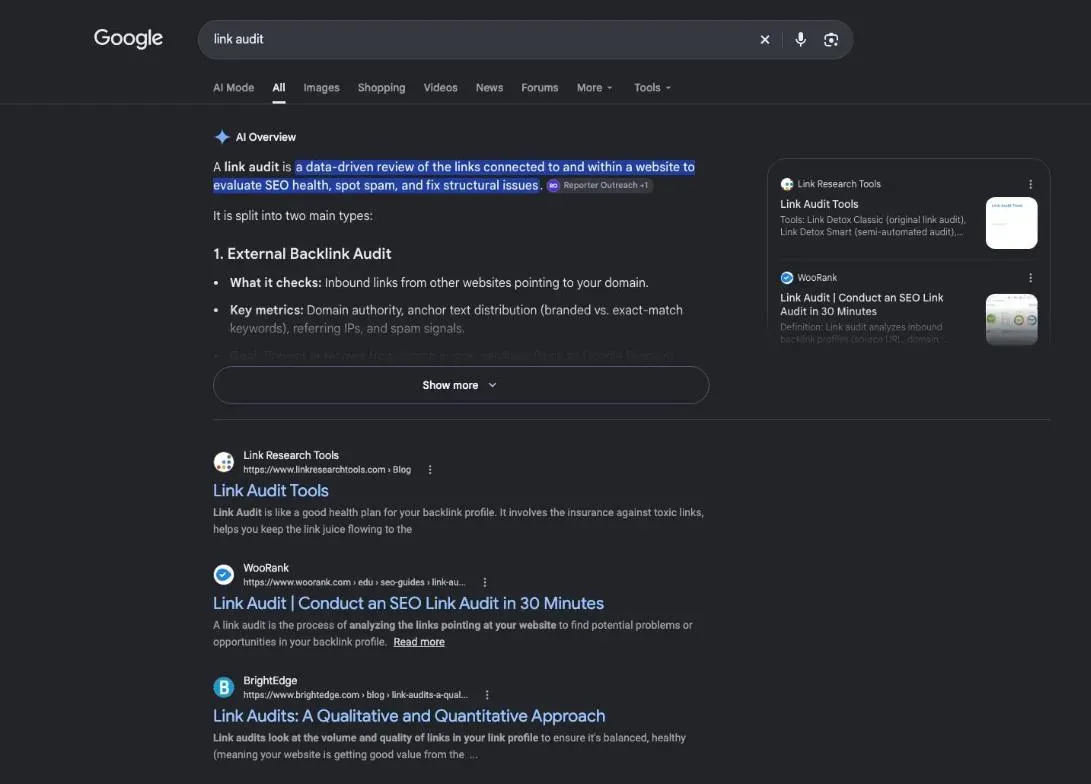
LinkResearchTools and WooRank also show up in Google’s results for “link audit” (29 October 2026); we haven’t profiled them yet, so we say nothing about their features.
The real case of plugkit-avis.com: one link, judged
On 29 October 2026, I typed one sentence into SemChat, in French, asking for an SEO audit of my site plugkit-avis.com with a prioritised action plan. It picked its full SEO audit skill and ran its tools, the backlink profile among them.
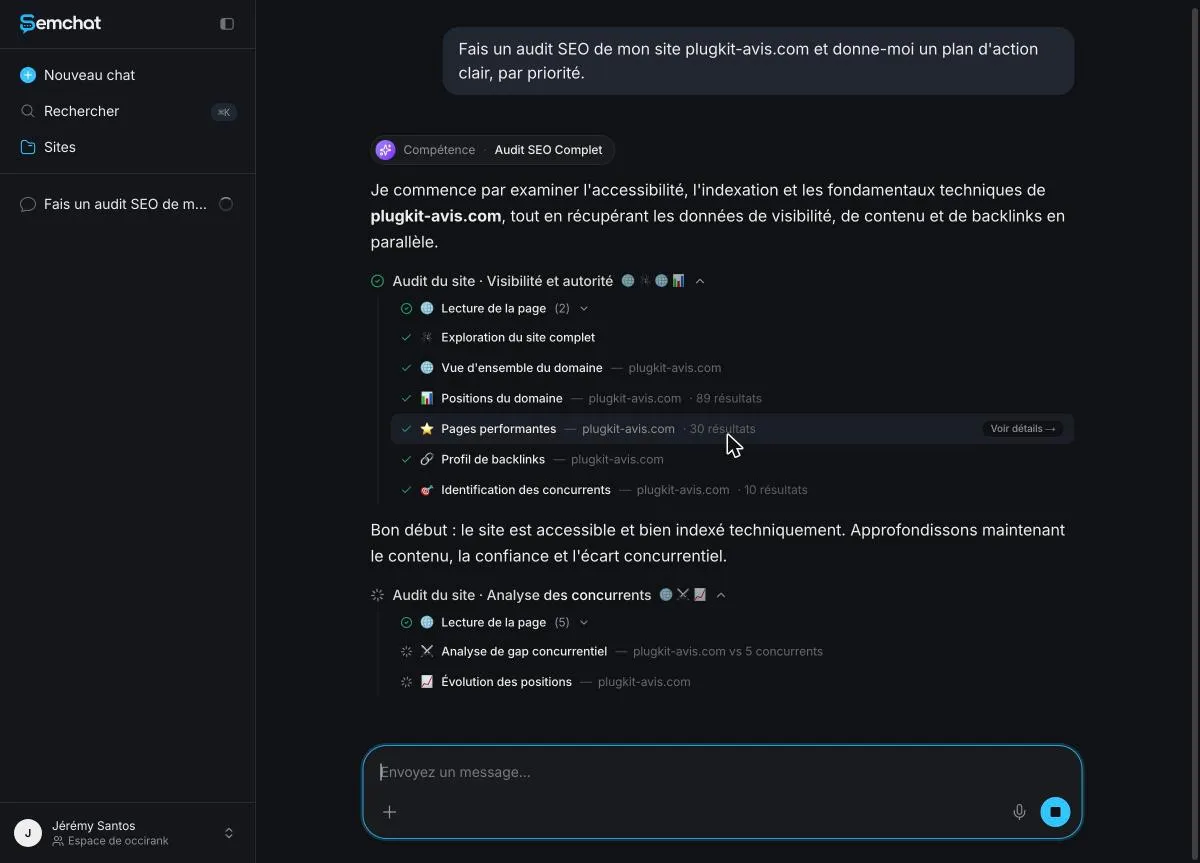
Result: “1 domaine” (1 domain) in the referring domains box. That one audit also used 100% of the Free plan’s monthly quota.
What SemChat counted, and what it judged too fast
The same day, its link campaign skill counted right: 1 link, 1 domain, anchor “plugkit-avis.com.” But it admitted “le nom exact du domaine référent n’est pas renvoyé par mes données” (the exact name of the referring domain isn’t returned by my data), then called the profile “propre” (clean).
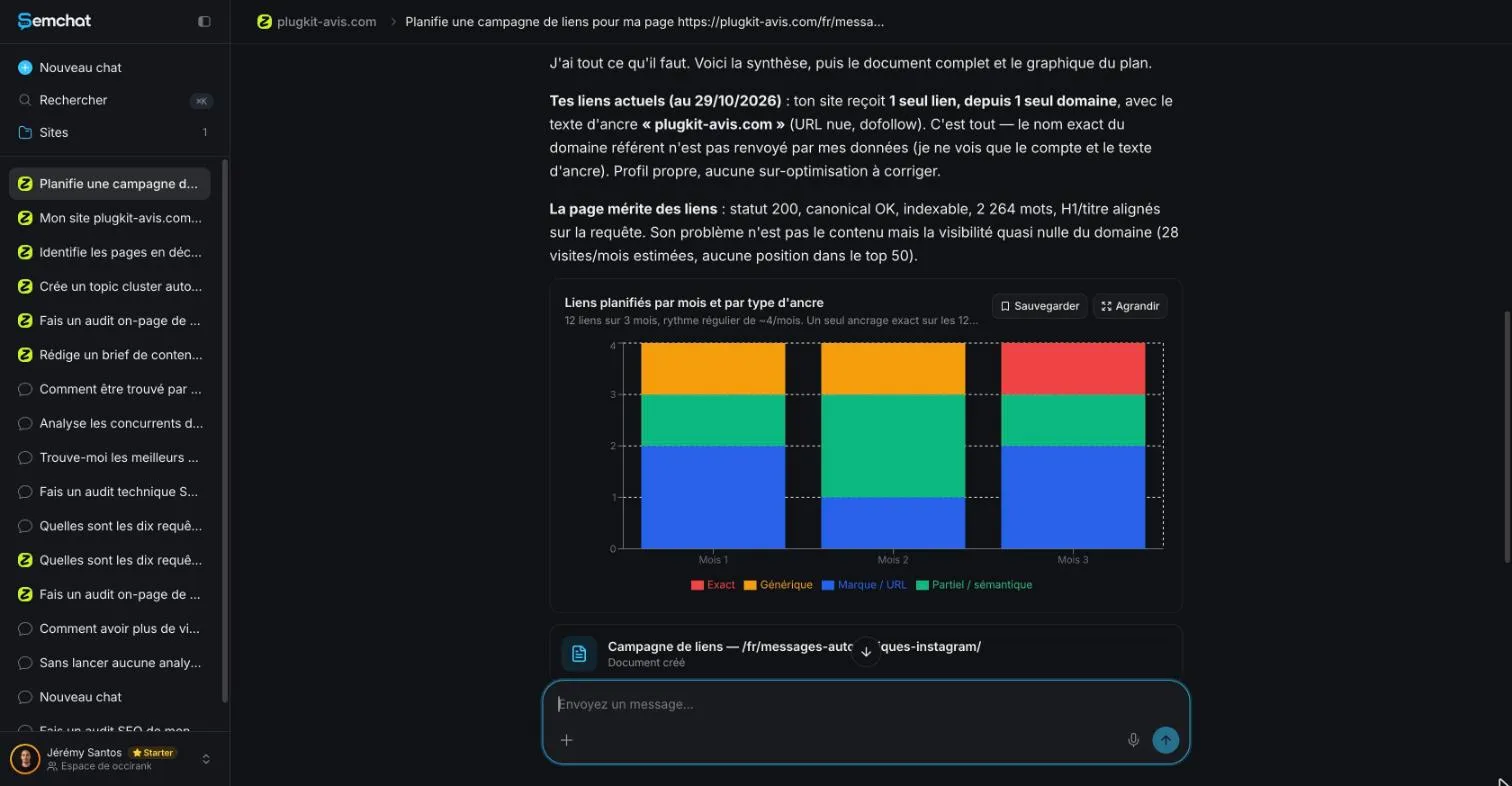
That verdict is wrong. DataForSEO Backlinks (29 October 2026) found the source: hub.rankvance.com, a link agency page with 2,341 outbound links and a spam score of 20 on DataForSEO’s own scale. My decision: watch it, don’t disavow. One link isn’t “a considerable number.”
SemChat’s link audit skill: tested on 30 October 2026
I tested it on 30 October 2026, on the Starter plan, with one sentence typed in French asking it to analyse the links pointing to plugkit-avis.com and how to get more. SemChat picked the right skill on its own and counted right: 1 domain, 1 link, as DataForSEO Backlinks confirmed that day. But it again called that link risk-free without being able to name the site behind it, the link agency page above. The test used 5.6 points of the month’s Starter quota (Usage screen, 30 October 2026); the full test is on our toxic backlink checker page.
For your next links, start with pages worth citing: our guide to SEO content writing covers the basics. My full test of the tool is in our SemChat review. A link audit comes down to this: list, open each page, judge with Google’s rules, then decide calmly. Keep almost everything, watch the doubtful, disavow rarely.
Frequently asked questions
Does a link audit cover your internal links?
Not usually. A link audit looks at links from other sites to yours. Links between your own pages are a separate check. The Search Console Links report shows both: an External links section and a Top internally-linked pages table, which Google suggests using to confirm that core pages like your home page and contact page are properly linked.
How does a link audit fit into a full SEO audit?
It's one part of it. A full SEO audit also checks technical health, content and accessibility. In SemChat's full SEO audit of plugkit-avis.com on 29 October 2026, the backlink profile was one step among others, right before competitor identification, and it ended up as a single box in the results grid: one referring domain.
Can you audit your links for free?
Yes. The Search Console Links report is free and lists the sites that link to you, your most linked pages and your top link text, as a sample rather than a full list. SemChat's Free plan costs €0 with every feature, only the monthly usage changes (pricing page, 29 October 2026). In my test, one full SEO audit used 100% of the Free plan's monthly quota.
Should you disavow the doubtful links you find?
Rarely. Google says you should disavow backlinks only if you have a considerable number of spammy, artificial or low-quality links pointing to your site, and those links have caused, or likely will cause, a manual action. Try to get bad links removed first. A single doubtful link is something to watch, not to disavow (Search Console Help, read 30 October 2026).
Let your AI do the chores of getting found online.
10% off your subscription, for life with my link, if you subscribe within 2 weeks of signing up. No code. All about the SemChat promo code
Affiliate link: it costs you nothing extra.
Verified sources
- Search Console Help: Disavow links to your site (30/10/2026)
- Search Console Help: Links report (30/10/2026)
- Google Search Central: Spam policies for Google web search (30/10/2026)
- SemChat pricing (Free and Starter plans) (29/10/2026)
- Ahrefs FAQ (free account, free tools) (29/10/2026)
- Semrush pricing (Free plan) (29/10/2026)
- SE Ranking FAQ (Backlink Checker, Backlink Gap Analyzer, free trial) (29/10/2026)
- Seobility free SEO tools and pricing (29/10/2026)
- Moz: Domain Authority (30/10/2026)
- Majestic: Trust Flow (30/10/2026)