What is GA4? Google Analytics explained for a small site
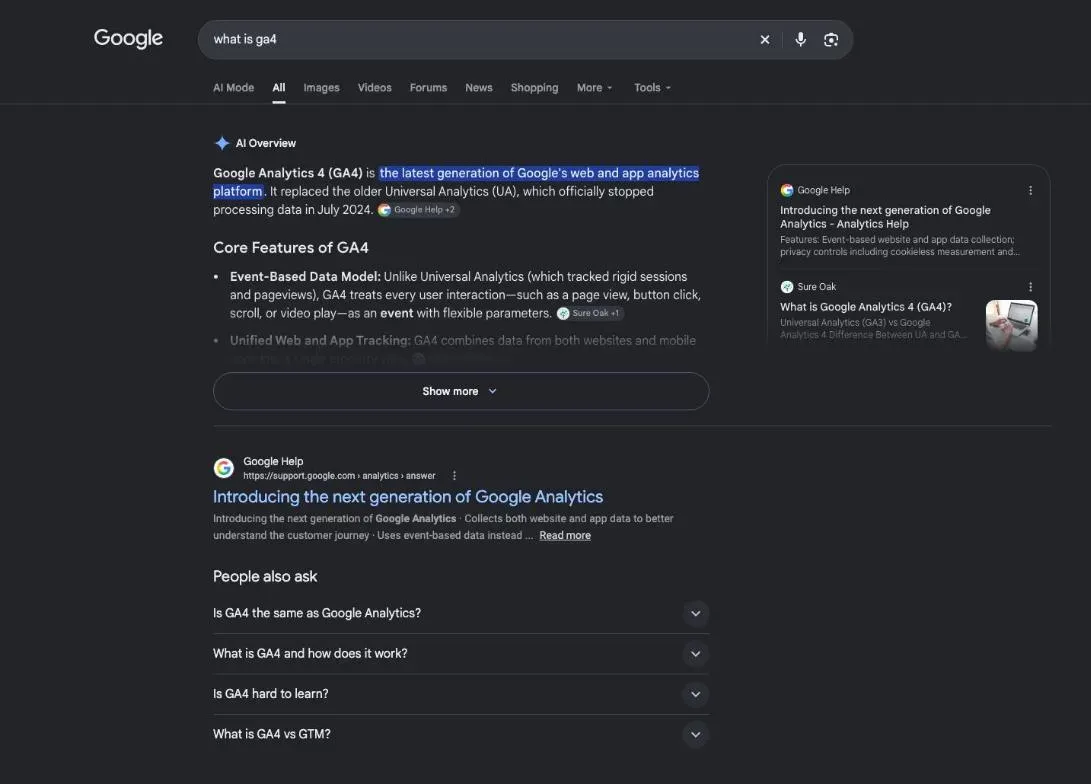
What is GA4? It's Google Analytics 4, Google's free tool that counts the visits to your website, where they come from and what visitors do once they arrive. You add a small piece of code to your pages, it collects the data, and Google turns it into reports. GA4 measures what happens after the click; Search Console covers what happens before it.
 By Jérémy Santos Updated on 30 October 2026 Tested on his own SemChat account: first audit on 29 October 2026.
 This page is part of the guide: What is Google Search Console

What your visitors do once they land on your site. Illustration by Zéro Corvée.
You run a small business website, an online store or a blog. People visit. But how many, where do they come from, and what do they do once they’re there? GA4 answers those three questions. This guide explains what GA4 is and what it’s for, based on Google’s own help pages, read on 30 October 2026.
What happens before the click, in Google’s results, is another tool’s job: our guide to what is Google Search Console covers it. The SemChat buttons on this page are affiliate links.
What is GA4, in plain English
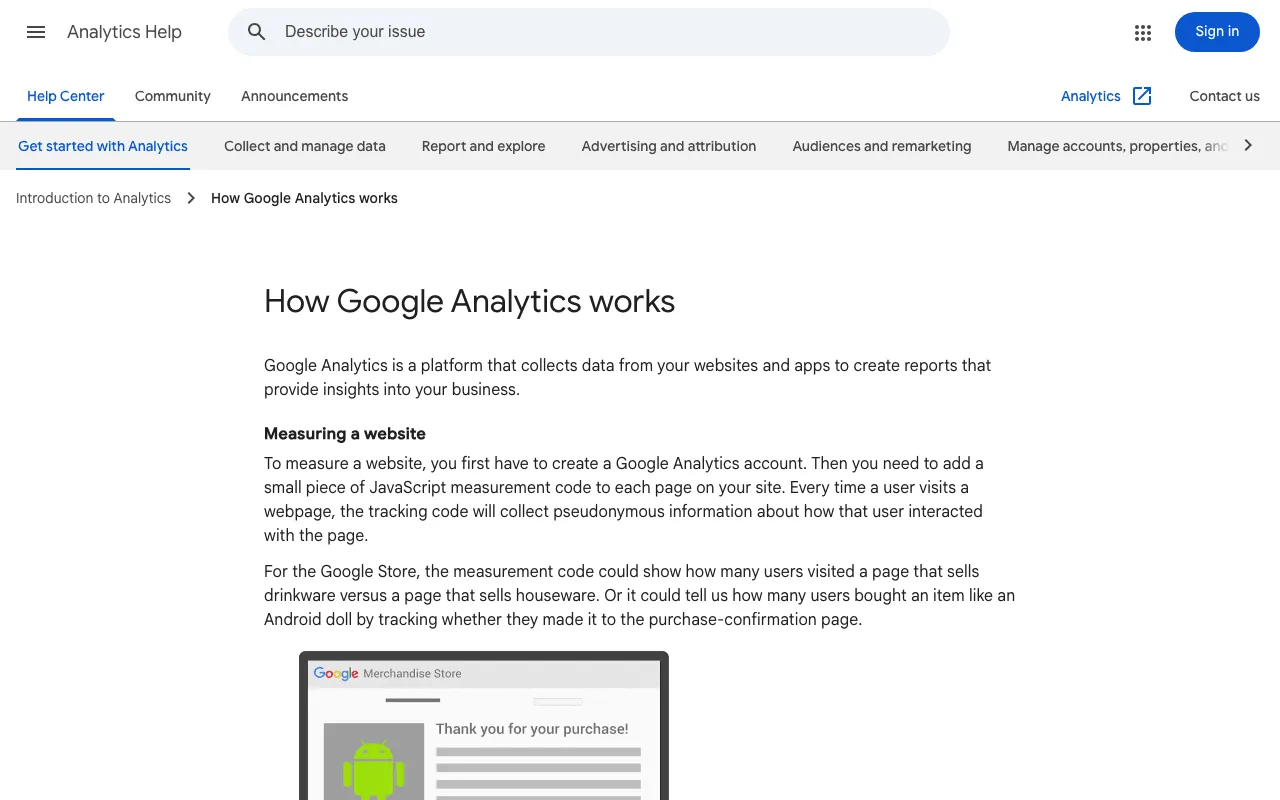
Google defines Google Analytics as “a platform that collects data from your websites and apps to create reports that provide insights into your business” (How Google Analytics works, Analytics Help, read 30 October 2026).
In plain English: it’s a counter on your website. It records each visit, the pages viewed, the device used and what brought the visitor. Then it sorts all of that into tables and charts. It measures your site, not Google, and it decides nothing for you.
Google lists what sets the current version apart. It:
- “Collects both website and app data to better understand the customer journey”
- “Uses event-based data instead of session-based”
- “Includes privacy controls such as cookieless measurement, and behavioral and key event modelling”
And it costs nothing for a site like yours: “Google Analytics gives you the tools, free of charge, to understand the customer journey and improve marketing ROI,” says Google’s product page.
Google Analytics 4, the version that replaced Universal Analytics
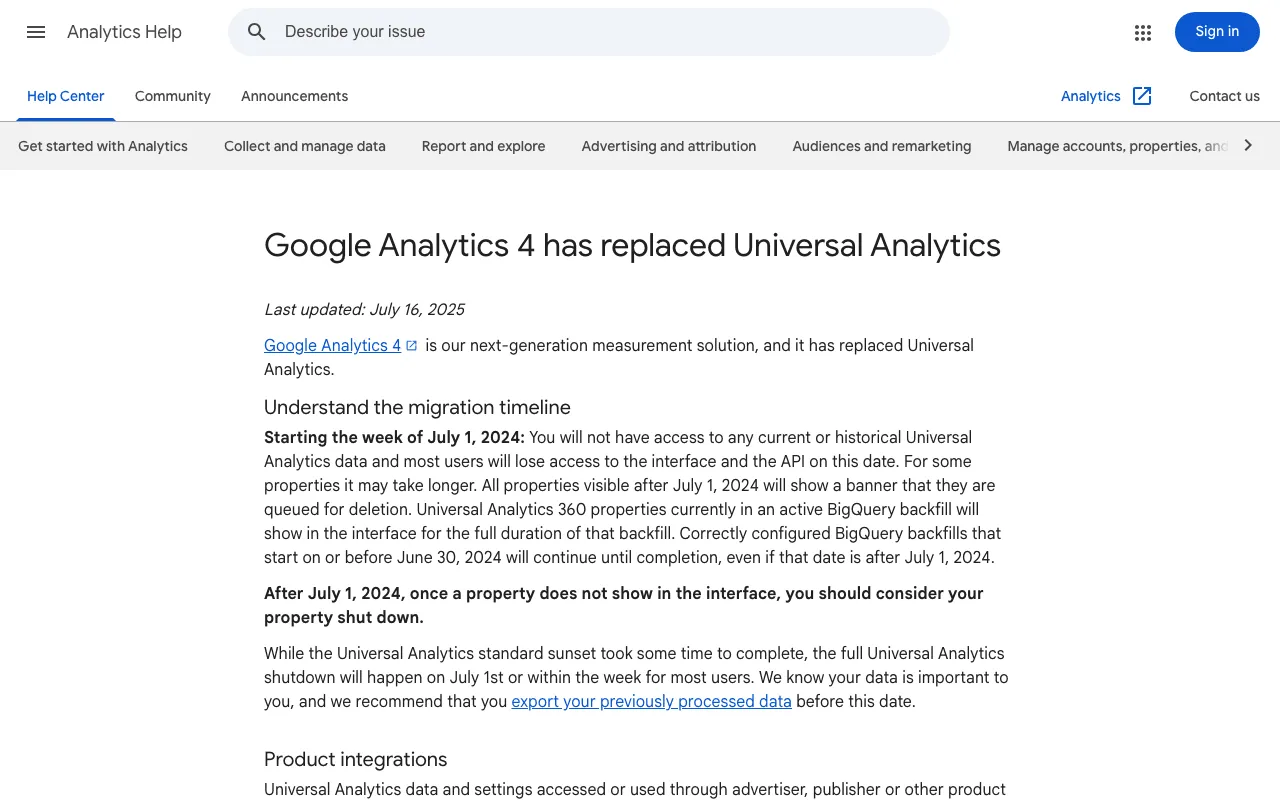
GA4 stands for Google Analytics 4. Google puts it simply: “Google Analytics 4 is our next-generation measurement solution, and it has replaced Universal Analytics.”
The old version is gone. “Starting 1 July 2023: Standard Universal Analytics properties stopped processing hits,” and starting the week of 1 July 2024, Google cut access to any current or past Universal Analytics data (help page last updated 16 July 2025, read 30 October 2026). So today, “Google Analytics” and “GA4” mean the same tool.
What GA4 is used for on a small site
Google explains the value with a three-stage funnel: acquisition (people discover you), behaviour (they interact with your site), conversion (they become customers) (The value of digital analytics, Analytics Help, read 30 October 2026). Google adds that ecommerce businesses use it to understand online purchasing behaviour, and lead-generation sites to collect information for sales teams.
See where your visitors come from
The measurement code can collect the “traffic source,” in Google’s words “what brought users to the site in the first place”: a search engine, an ad, an email campaign. GA4 sorts visits into channels. A few, as Google defines them:
- Organic Search: non-ad links in search results, “including Google’s AI Overviews and AI Mode.”
- Direct: a saved link, or someone typing your URL.
- Referral: non-ad links on other sites or apps, such as blogs or news sites.
- Organic Social: non-ad links on social sites like Facebook.
- Email: links in emails.
GA4 counts your own visitors. To size up a competitor’s traffic, you need an outside estimate: our guide to the best website traffic checker compares them.
See what they do on your pages
Which pages get read? Which ones keep people around? Google’s own example: the code can show how many users visited a page that sells drinkware versus one that sells houseware. Swap in your products or blog posts and you see what really interests people.
Part of this needs no code. With enhanced measurement turned on, GA4 automatically records page views, scrolls to the bottom of a page, outbound clicks, site searches, video engagement, file downloads and form interactions.
Track sales, sign-ups and contact requests
A conversion is the action that matters to you: a purchase, a quote request, a newsletter sign-up. GA4 calls it a key event: “an event that measures an action that’s particularly important to the success of your business.” You then see how many visitors complete it, and which channels bring them there.
Google’s example: the code could tell how many users bought an item “by tracking whether they made it to the purchase-confirmation page.” For a service business, the same logic works with a thank-you page after your contact form.
How GA4 counts: events, sessions, users
Here’s the mechanism, in Google’s words: “add a small piece of JavaScript measurement code to each page on your site. Every time a user visits a webpage, the tracking code will collect pseudonymous information about how that user interacted with the page.”
The code also collects browser details: the language setting, the browser type, the device and the operating system. It sends everything to Google Analytics, which sorts the data into reports, for example by mobile or desktop.
One detail matters: “Once Analytics processes the data, it’s stored in a database where it can’t be changed.” A filter set up wrong removes data for good. Google’s advice: don’t exclude any data you might want to analyse later.
An event: every action GA4 records
“An event allows you to measure a specific interaction or occurrence on your website or app,” Google writes: someone loads a page, clicks a link or completes a purchase. There are four kinds:
- Automatically collected events, recorded as soon as GA4 is set up.
- Enhanced measurement events, recorded when that option is on.
- Recommended events, which you set up, with names Google defines.
- Custom events, which you define yourself. Google warns they “don’t show up in most standard reports.”
For a small site, the first two cover most needs.
Sessions and engaged sessions
“A session is a period of time during which a user interacts with your website or app.” By default, it ends after 30 minutes of inactivity, and there’s no limit to how long it can last.
GA4 adds a stricter idea: the engaged session. Google counts a session as engaged if it lasts longer than 10 seconds, has a key event, or has 2 or more page or screen views.
Active users and engagement rate
GA4 counts people in four ways (Understand user metrics, read 30 October 2026):
- Total users: everyone who visited in the date range.
- Active users: people who engaged with your site or app.
- New users: people who had never visited before.
- Returning users: people who had visited before.
Google notes that “you’ll only see active users in your reporting.” The engagement rate is the percentage of engaged sessions; the bounce rate is the opposite. Google’s example: someone reads for less than 10 seconds, views one page and leaves; that session isn’t engaged. One catch: most reports don’t show these two rates by default, so an Editor or Administrator has to add them.
GA4 vs Universal Analytics: what changed
If you used Google Analytics years ago, here’s what’s different, according to Google’s help pages:
- The data model. GA4 “uses event-based data instead of session-based.” Every interaction is an event.
- Website and app together. One property can collect both.
- No more views. “In Google Analytics 4, there are no views,” says Google’s account-structure page.
- A new ID. Old properties had a tracking code starting with “UA-”; a GA4 web stream has a measurement ID starting with “G-”.
- Privacy controls, such as cookieless measurement and modelling.
- Your old data. Google warned that Universal Analytics data not exported in time would be “permanently deleted by Google and won’t be recoverable.”
How to set up GA4 on your site
Create an account and a property
Following Google’s setup help (read 30 October 2026):
- Go to analytics.google.com and click Start measuring.
- Name your account and choose your data-sharing settings.
- Create a property: its name, reporting time zone and currency.
- Pick your industry and business size, then how you plan to use Analytics. Google tailors your default reports to that answer, for example “Generate more leads.”
- Click Create and accept the Terms of Service.
- Add a Web data stream: your site’s URL and a stream name. Google recommends turning on enhanced measurement now.
For a business with one website, Google’s example structure is one account, one property and one data stream.
Add the tracking code, by hand or with Google Tag Manager
The code is now called the “Google tag.” You have three options:
- Your CMS field. Many builders have a box for your Google tag ID, which starts with “G-”. Google gives instructions for Shopify, Wix, WooCommerce, Squarespace, HubSpot, and WordPress through the Site Kit or MonsterInsights plugins.
- By hand. Google says to paste the tag immediately after the
<head>on each page of your website. - Google Tag Manager, Google’s tool to “manage all your tags without editing code.”
Built your site on Webflow? It isn’t in Google’s list as read on 30 October 2026. If your builder has no Google Analytics field, Google says to paste the tag “using your CMS’s custom HTML feature.”
Check that GA4 is collecting data
Google’s help is clear: “Data collection may take up to 30 minutes to begin. You can then use the Realtime report to verify that you’re receiving data.”
The Realtime report shows active users in the last 5 and 30 minutes, where they came from and which pages they view. Open your site in another tab and watch yourself appear. Then exclude your own visits, as shown below.
The GA4 reports to read first
The GA4 interface, without getting lost
The left menu has five sections (Navigate the Analytics interface, read 30 October 2026):
- Home: information relevant to you, “based on your behaviour in Analytics.”
- Reports: “Monitor traffic, investigate data, and understand your users and their activity.”
- Explore: advanced analyses beyond the standard reports.
- Advertising: the return on your ad spend.
- Admin: settings, users, data streams.
At the top, a search box takes questions “in natural language,” like how many new users you had last month. If you chose the baseline reports at setup, you get the Life cycle collection: Acquisition, Engagement, Monetisation and Retention. Start with three reports: Traffic acquisition (where visits come from), Pages and screens (what gets read) and Landing pages (where visits start).
Try the reports on Google’s demo account
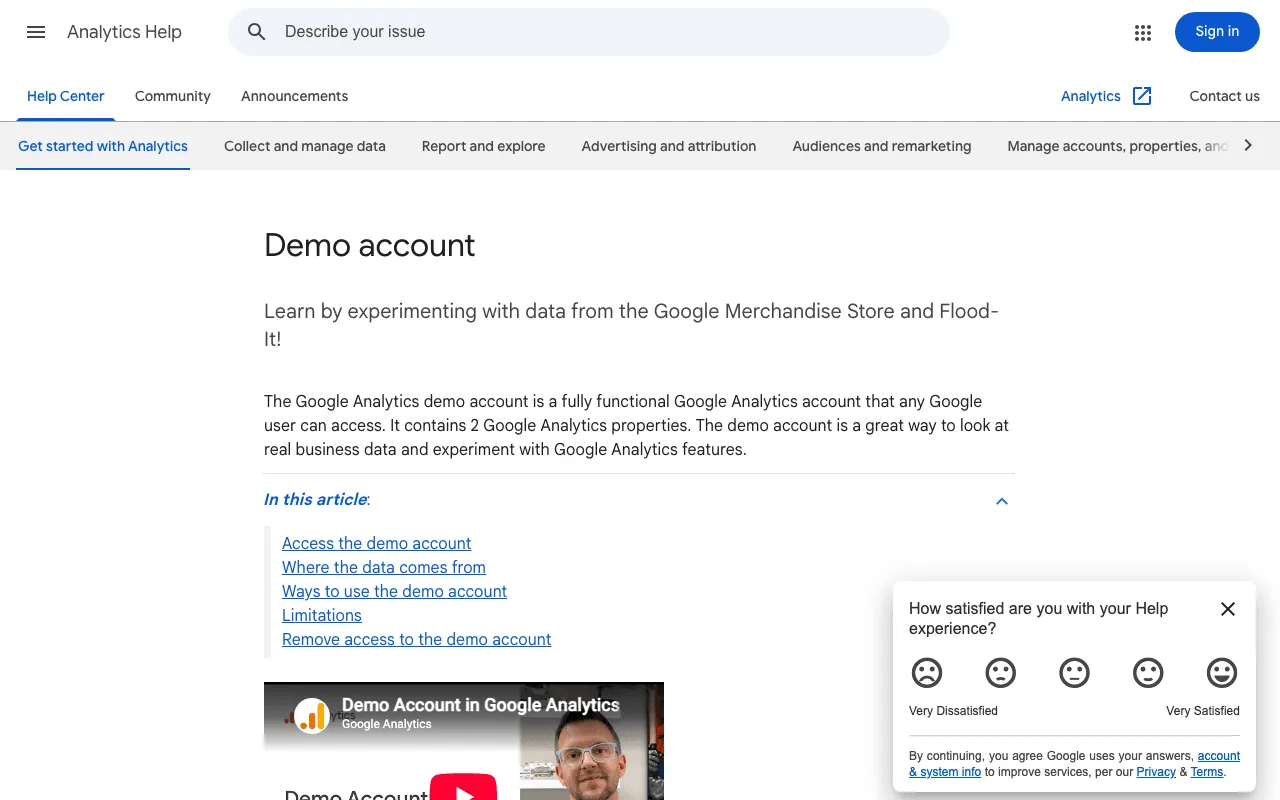
The safest way to learn. Google describes it this way: “The Google Analytics demo account is a fully functional Google Analytics account that any Google user can access. It contains 2 Google Analytics properties.”
- Google Merchandise Store: an ecommerce site selling Google-branded products.
- Flood-It!: a puzzle game, with app and website data.
Everyone gets the Viewer role: you can browse reports, filter a table or build a segment, but you can’t export. Google says the data is obfuscated but still typical of Analytics data. If you don’t have an Analytics account yet, Google creates one when you add the demo.
Setup mistakes that skew your numbers
No key events set up
Without key events, GA4 shows you traffic, not results. Fixing it takes minutes: “Any event you collect can become a key event.” Pick the action that matters (a purchase, a form sent) and mark its event as a key event.
Google’s example suits lead-generation sites: knowing when a visitor scrolls to 90% of a page with a sign-up form, which tells you they’ve seen the form.
Your own visits counted as traffic
Every time you check your own pages, you add visits. GA4 lets you filter out traffic from an IP address or a range of IP addresses, with up to 10 data filters per property. You need the Editor role.
Google’s warning: “Once you apply a data filter, the effect on the data is permanent.” Excluded data is never processed. Google also notes you can’t filter out internal traffic from app users.
Data kept for too short a time
In a standard property, you can keep user-level data for “2 months” or “14 months” (Data retention, read 30 October 2026). Google specifies that this setting only affects explorations and funnel reports, not the standard aggregated reports. If you plan year-over-year analyses in explorations, check this setting early. Google applies a change after 24 hours.
The limits of GA4: visitor consent and privacy
GA4 collects “pseudonymous information,” often with cookies. In many places, that means asking your visitors for consent first. Google’s help on consent mode is written for site owners who use a cookie consent banner:
“Consent mode lets you communicate your users’ cookie or app identifier consent status to Google. Tags adjust their behaviour and respect users’ choices.”
Three points from that page:
- It’s not a banner. “Consent mode does not provide a consent banner or widget.” You need one from another provider.
- A refusal changes the data. When visitors deny consent, “instead of storing cookies, tags send pings to Google.”
- The gaps get modelled. Google “fills the data collection gaps with conversion modelling and behavioral modelling.” Part of your numbers is an estimate.
Which law applies depends on where your business and your visitors are. This page isn’t legal advice. Missing data: the consent rules for analytics cookies in the United States (planned source: an official text from the relevant state or federal authority). For a site with visitors in France, the CNIL publishes the conditions under which audience measurement cookies are exempt from consent (page in French).
GA4 and Search Console: after the click, before the click
These two free Google tools look alike, but they don’t watch the same moment.
Search Console is “a free service offered by Google that helps you monitor, maintain, and troubleshoot your site’s presence in Google Search results.” It shows how often your site appears in Google, which queries show it and how often searchers click (About Search Console, read 30 October 2026). That’s before the click.
GA4 takes over after the click, and not only for Google: it also counts visits from social networks, emails and other sites.
| Search Console | Google Analytics (GA4) | |
|---|---|---|
| When it measures | before the click, in Google Search | after the click, on your site |
| What you read | appearances, queries, click-through | visits, sources, pages, key events |
| Traffic covered | Google Search only | every channel: search, social, email, links |
| Typical question | Does Google show my page? | What do people do on my site after they land? |
An example. A page gets zero visits in GA4: GA4 won’t tell you why. Search Console will tell you whether Google even knows the page. Maybe it isn’t indexed: our guide to indexing in SEO explains the mechanism, and how to index your website on Google gives the steps. If Search Console shows the status crawled, currently not indexed, a dedicated page decodes it. And to help Google find your pages, read what is a sitemap.
The two tools connect. Once linked, GA4 offers two reports: “Google Organic Search Queries” and “Google Organic Search Traffic.” Search Console data shows up there 48 hours after collection, for up to 16 months (Connect Search Console to Google Analytics, read 30 October 2026). The full picture of Search Console is in our guide to what is Google Search Console.
Connect GA4 to SemChat: what we know about the connector
SemChat is an SEO assistant you talk to. It has eight connectors: Google Search Console, Google Analytics 4, Bing Webmaster Tools, Yandex Metrica, WordPress, Webflow, Slack and Notion, plus a custom connector for an MCP server (checked 29 October 2026). On my account, Search Console, GA4 and Bing are connected.
The app describes the GA4 connector in three words: “Sessions, conversions, pages vues” (sessions, conversions, page views). Let me be clear: I haven’t tested it. It’s connected, but I haven’t seen a single SemChat answer based on GA4. So I can’t tell you what it reads, or whether it reads it correctly.
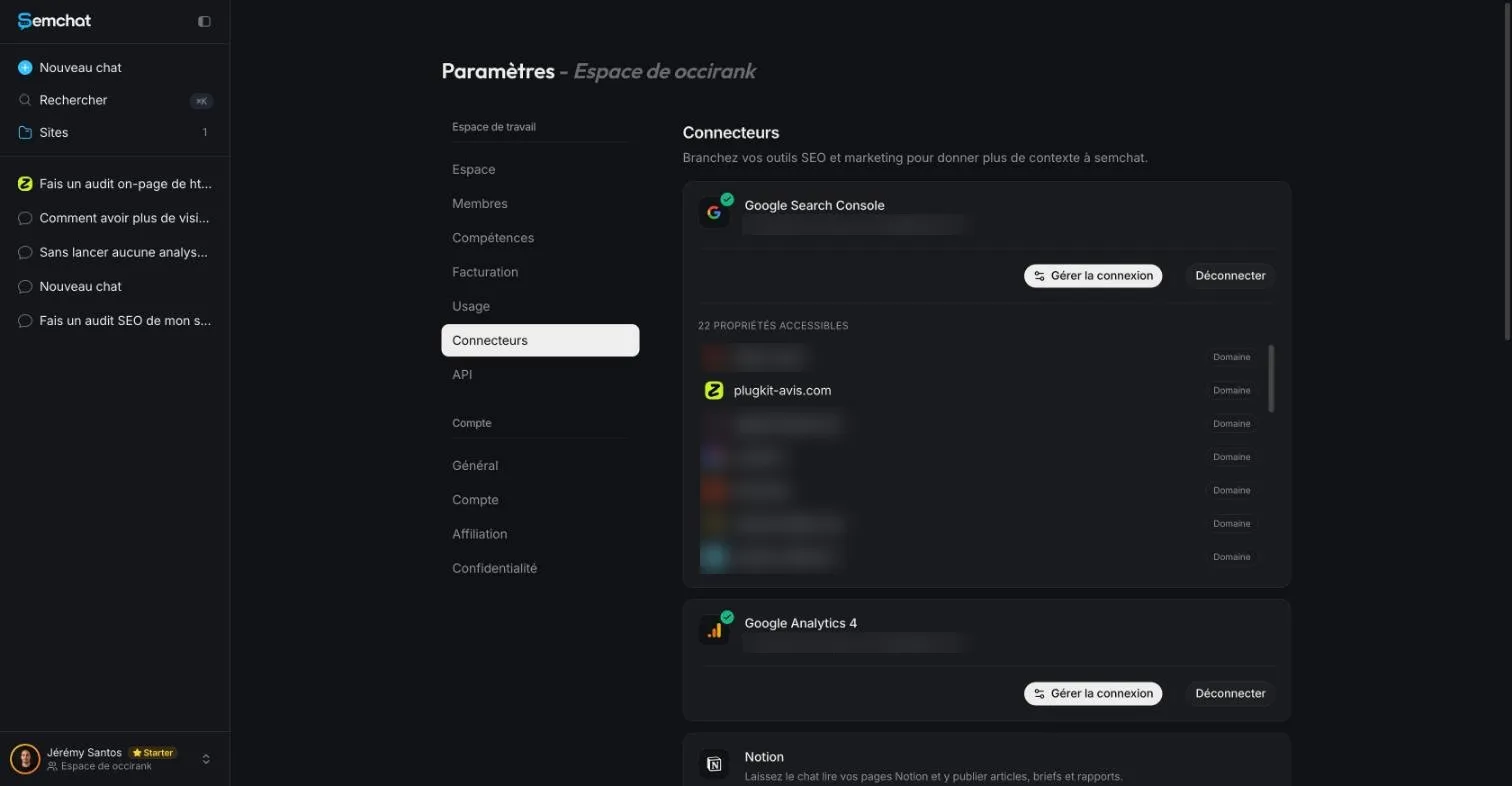
What I did test is Search Console, on 29 October 2026, on plugkit-avis.com (questions asked in French). The chat tied to the site first answered “Je n’ai pas accès à ta Search Console” (I don’t have access to your Search Console). A new workspace chat read it, but with a wrong total: the sum of ten rows, 0 clicks and 25 impressions. After one follow-up, it gave the real total: 8 clicks, 533 impressions, 1.5% CTR, position 13.7, confirmed by reading Search Console directly (data available from 24 October 2026).
That 13.7 is Search Console’s average position across the whole site. It’s neither what you see when you search Google yourself, nor a dated reading from a third-party rank tracker. The lesson applies to GA4 too: always check the totals an assistant gives you.
Each plan’s limits are on our SemChat pricing page, and my full test of the tool is in our SemChat review.
So, what is GA4, in one sentence? Google’s free counter for what happens on your site after the click. Add the tag, mark one or two actions as key events, exclude your own visits, and check each month where visitors come from and what they do. For what happens before the click, open Search Console.
Frequently asked questions
Is GA4 free?
Yes, for a site like yours. Google's product page says: “Google Analytics gives you the tools, free of charge, to understand the customer journey and improve marketing ROI” (read 30 October 2026). The paid version, Analytics 360, is “tailored for the unique measurement needs of large enterprises”; its page shows no price, only a Talk to Sales button.
How do you give someone access to GA4?
In Admin, under Account or Property, click Access Management, then the plus sign and Add users. Enter the email address of their Google Account, pick their role and click Add. Someone added at the account level sees every property in it; at the property level, only that property. You need the Administrator role to add users (Google help, read 30 October 2026).
What is cross-network traffic in GA4?
It's paid traffic, not organic. Google defines Cross-network as “the channel by which users arrive at your site/app via ads that appear on a variety of networks (e.g., Search and Display)”, and says it includes Demand Gen, Performance Max and Smart Shopping campaigns (Default channel group help page, read 30 October 2026).
What is the GA4 certification, and who is it for?
Google lists four training courses (101 and 102 for beginners, 201 intermediate, 301 advanced) and a Google Analytics Certification, hosted on Skillshop. Missing data: the certification's price and length (planned source: the Skillshop certification page, which didn't render without JavaScript on 30 October 2026). For a small site, the demo account and course 101 are enough to start.
Let your AI do the chores of getting found online.
10% off your subscription, for life with my link, if you subscribe within 2 weeks of signing up. No code. All about the SemChat promo code
Affiliate link: it costs you nothing extra.
Verified sources
- Analytics Help: How Google Analytics works (30/10/2026)
- Analytics Help: Introducing the next generation of Google Analytics (30/10/2026)
- Analytics Help: Google Analytics 4 has replaced Universal Analytics (30/10/2026)
- Analytics Help: The value of digital analytics (30/10/2026)
- Analytics Help: About events (30/10/2026)
- Analytics Help: About Analytics sessions (30/10/2026)
- Analytics Help: Engagement rate and bounce rate (30/10/2026)
- Analytics Help: Understand user metrics (30/10/2026)
- Analytics Help: Key event (30/10/2026)
- Analytics Help: Enhanced measurement events (30/10/2026)
- Analytics Help: Default channel group (30/10/2026)
- Analytics Help: Set up Analytics for a website and/or app (30/10/2026)
- Analytics Help: Google Analytics account structure (30/10/2026)
- Analytics Help: Realtime report (30/10/2026)
- Analytics Help: Navigate the Analytics interface (30/10/2026)
- Analytics Help: Life cycle collection (30/10/2026)
- Analytics Help: Demo account (30/10/2026)
- Analytics Help: Filter out internal traffic (30/10/2026)
- Analytics Help: Data retention (30/10/2026)
- Analytics Help: Consent mode on websites and mobile apps (30/10/2026)
- Analytics Help: Connect Search Console to Google Analytics (30/10/2026)
- Analytics Help: Add, edit, and delete Analytics users and user groups (30/10/2026)
- Search Console Help: About Search Console (30/10/2026)
- Google Marketing Platform: Google Analytics product page (30/10/2026)
- Google Marketing Platform: Analytics 360 product page (30/10/2026)
- CNIL: cookies, solutions for audience measurement tools (in French), dated July 4, 2025 (30/10/2026)
- SemChat pricing (Free plan, Starter plan) (29/10/2026)